
Pencatatan
Protokol survei
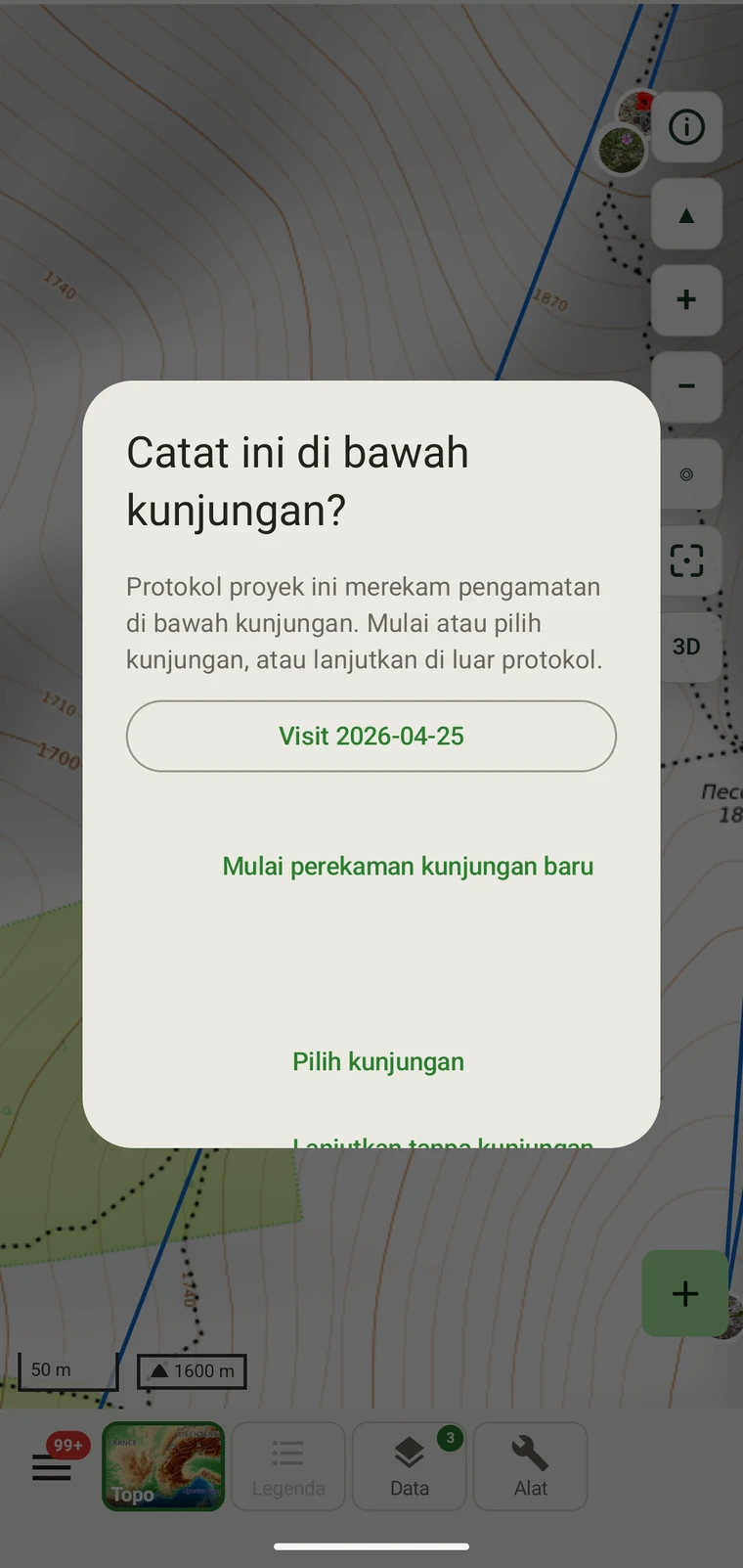
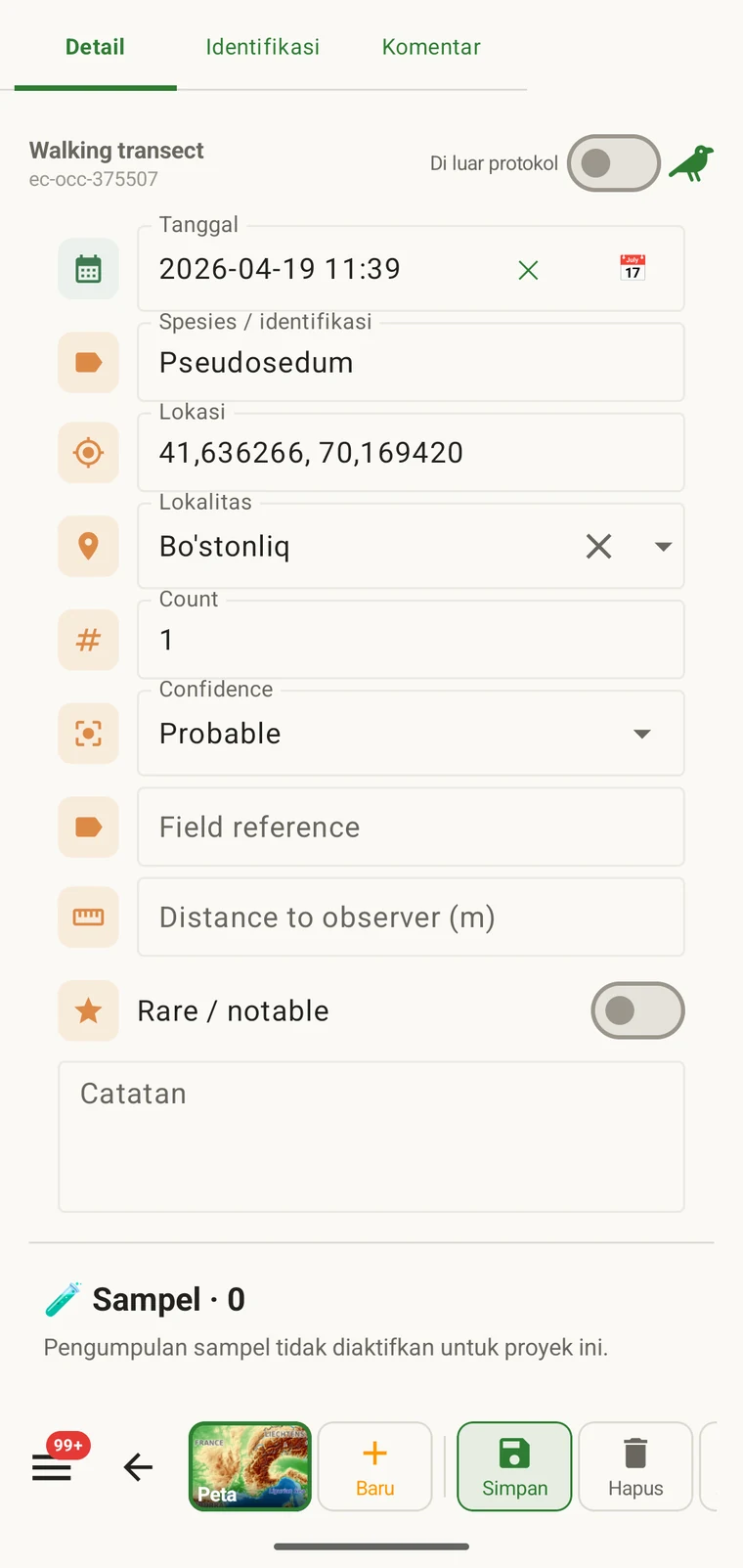
Sebuah protokol menentukan apa yang harus dimuat sebuah catatan: bidang mana yang tampil pada formulir observasi, mana di antaranya yang wajib, satuan dan daftar nilai, serta apa yang dianggap sebagai observasi lengkap. Setiap catatan dalam sebuah proyek dibuat di bawah satu protokol, yang juga menentukan formulir yang ditampilkan kepada pencatat.
Apa yang dikendalikan sebuah protokol
Protokol menentukan struktur yang dihasilkan pencatatan. Mengubah protokol turut mengubah formulirnya, itulah sebabnya Formulir dan bidang khusus dan halaman ini membahas wilayah yang berkaitan. Halaman formulir membahas tata letak dan kontrol tingkat bidang; halaman ini membahas protokol yang menentukan bidang mana yang ada sejak awal.
| Apa yang ditentukan protokol | Pengaruh pada pencatatan |
|---|---|
| Bidang yang ditampilkan | Himpunan bidang data yang tampil pada formulir observasi. Bidang yang tidak tercakup dalam protokol tidak tampil dan tidak dapat diisi. |
| Bidang wajib | Bidang mana yang harus diisi sebelum catatan dapat disimpan. Validasi berjalan pada saat pemasukan data, bukan saat ekspor. |
| Satuan dan daftar nilai | Satuan yang melekat pada bidang numerik (meter, derajat, jumlah) dan opsi tetap yang ditampilkan pada bidang pilihan. Semuanya ditetapkan per protokol, sehingga semua catatan dalam satu proyek menggunakan kosakata yang sama. |
| Pengelompokan catatan | How observations are grouped: into survey visits, or left ungrouped as incidental records. The grouping structure determines what the visit prompt shows when you start recording. |
Protokol yang disertakan
Seven survey protocols ship with the app: Casual / incidental, Site visit, Timed area search and Walking transect under "Other", and Vegetation — Braun-Blanquet, Vegetation — % cover and Vegetation — Drude relevé under "Vegetation". The project created on first run uses Casual / incidental. A project you create later has no protocol until you assign one; until then new records use the casual protocol's core fields.
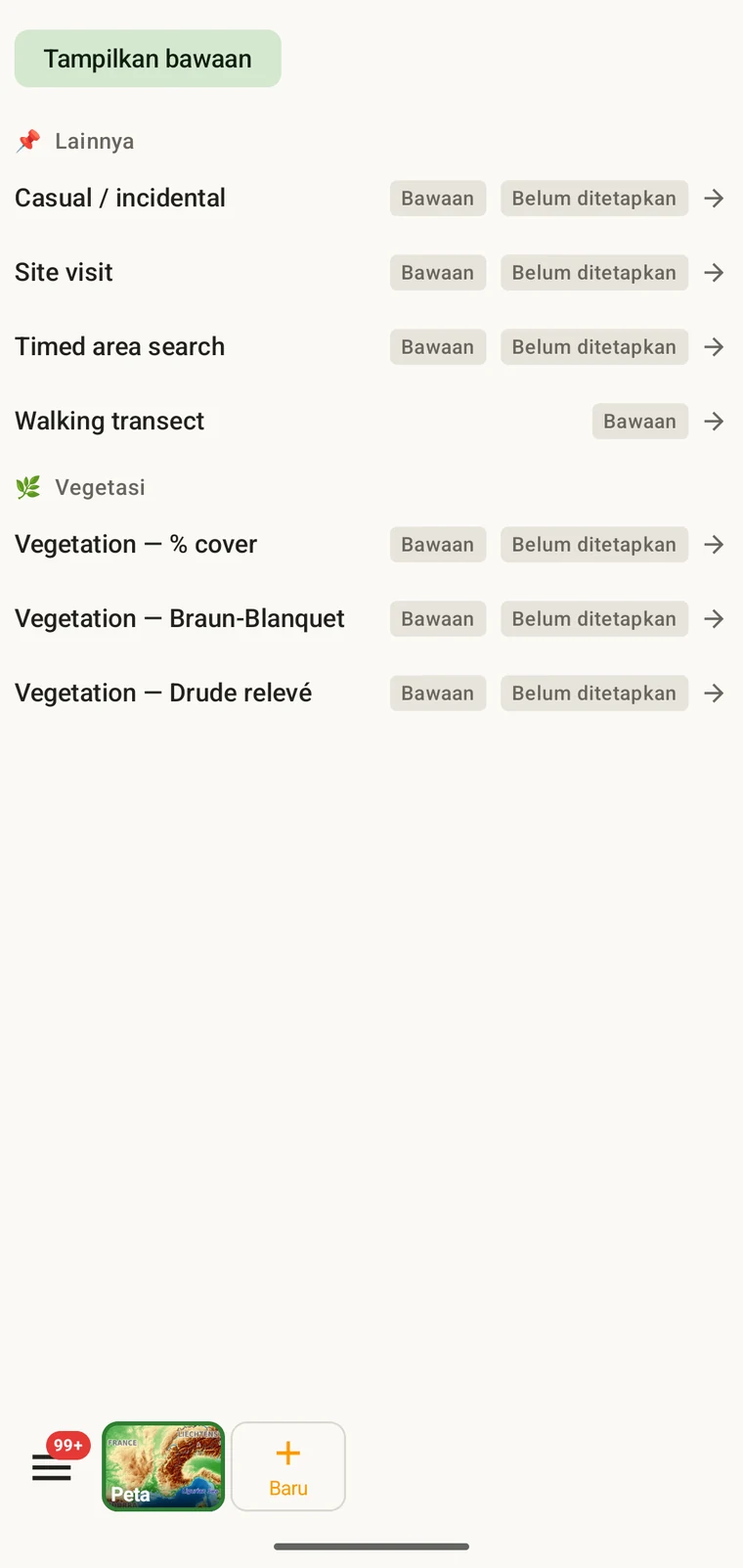
The list on the device is the best place to read each protocol: it shows the full description, the fields it includes and their settings. Open Menu → Protocols and tap a protocol to open it; the Information tab shows its description and settings, the Form builder and Custom fields tabs show its fields.
Memilih protokol untuk sebuah proyek
One project records under one protocol. Your first project starts with Casual / incidental; later projects start with no protocol and use core fields only. Assign the protocol when you know your method, before records are entered.
- Open Menu → Projects and tap the project.
- In the Survey protocol section tap Assign a protocol (or Change if one is assigned).
- Choose the protocol in the Choose a survey protocol list and tap Done. Assigning copies the protocol's full template — forms and custom fields — into the project.
- The observation form reflects the new protocol from the next record onward. Remove keeps your data and the core fields.
Satu protokol per proyek. Sebuah proyek ditentukan oleh satu protokol, karena mencampur dua struktur bidang yang berbeda dalam satu himpunan data menyulitkan analisis. Jika pekerjaan Anda benar-benar memerlukan dua metode yang berbeda, siapkan dua proyek dan ekspor keduanya bersamaan.
Mengedit protokol
The seven built-in protocols are read-only. To adapt one, open it in Menu → Protocols and tap Clone; the copy is a custom protocol you can rename and edit. The practical case is a method close to a standard one that adds two or three measurements: clone, rename, add the fields. That way you keep the structure you know and only change what is different about your method.
Editing a protocol does not alter records already entered. Those records retain the field values they were given at the time. Projects that already use the protocol keep their copy until you tap Push to assigned projects in the Protocols Studio; from then on new records in those projects use the updated definition. To change the layout for one project only, use Customize on the project form instead.
Naming your edited protocol. Give it a name that distinguishes it from the original so that anyone reading the exported data can identify which definition was in use. The protocol code travels with every export.
Menulis protokol Anda sendiri
The Protocols Studio (Menu → Protocols) is where custom protocols are created — tap New protocol and choose From scratch or Clone existing. A protocol has a name, code, description, group, required fields, effort thresholds and vocabulary sets, plus its own forms and custom fields on the Form builder and Custom fields tabs. The field-level work — captions, data types and whether a field appears in list views — is covered in Forms and custom fields.
Buat protokol sesederhana yang dituntut metode. Protokol dengan banyak bidang wajib memperlambat pencatatan di lapangan; protokol tanpa bidang wajib menghasilkan himpunan data yang mungkin tidak lengkap dengan cara yang baru ditemukan kemudian.
Validasi
Required fields are enforced when the record is entered, not discovered at export. Fields the protocol marks required are enforced when the record is saved: the form lists the missing ones and does not save until they are filled.
Nilai yang hilang dapat dilengkapi selagi Anda masih berada di lokasi. Setelah ekspor dibuat berbulan-bulan kemudian, hal itu tidak lagi mungkin. Validasi menghabiskan beberapa detik per catatan dan mencegah celah yang tidak dapat diisi setelahnya.
Bidang yang tidak ditandai wajib dapat dibiarkan kosong. Bidang tersebut akan tampil dalam ekspor sebagai sel kosong alih-alih menimbulkan kesalahan.
Mengubah protokol di tengah musim
Anda dapat mengubah protokol yang ditugaskan pada sebuah proyek selama satu musim. Catatan yang ada mempertahankan nilai yang dimasukkan bersamanya; catatan itu tidak divalidasi ulang terhadap protokol baru. Hanya catatan baru, yang dimasukkan setelah perubahan, yang diatur oleh himpunan bidang dan aturan bidang wajib protokol baru.
Jika protokol baru mencakup bidang yang tidak dimiliki protokol lama, catatan yang ada akan memiliki bidang tersebut dalam keadaan kosong pada ekspor. Jika protokol baru menghilangkan bidang yang dimiliki protokol lama, nilai bidang tersebut tetap dipertahankan dalam basis data tetapi tidak akan tampil dalam formulir untuk catatan baru.
Dokumentasikan perubahannya. Catat tanggal ketika protokol berubah, baik dalam deskripsi proyek maupun dalam berkas catatan lapangan terpisah. Analisis yang menggabungkan catatan dari sebelum dan sesudah perubahan perlu memperhitungkan struktur bidang yang berbeda.
Berbagi protokol
Protocol and form configuration travel together in the project setup file. Open the project, tap Share, and send the .ecsurvey file to each device; importing it (Menu → Projects → Import) gives that device the same protocol, forms and custom fields. Every recorder on the study then sees an identical form and records under the same required-field rules. Exporting the project to Google Drive also publishes the setup, which other devices receive with Download from Drive + merge…. See Forms and custom fields and Google Drive collaboration.