
기록
조사 프로토콜
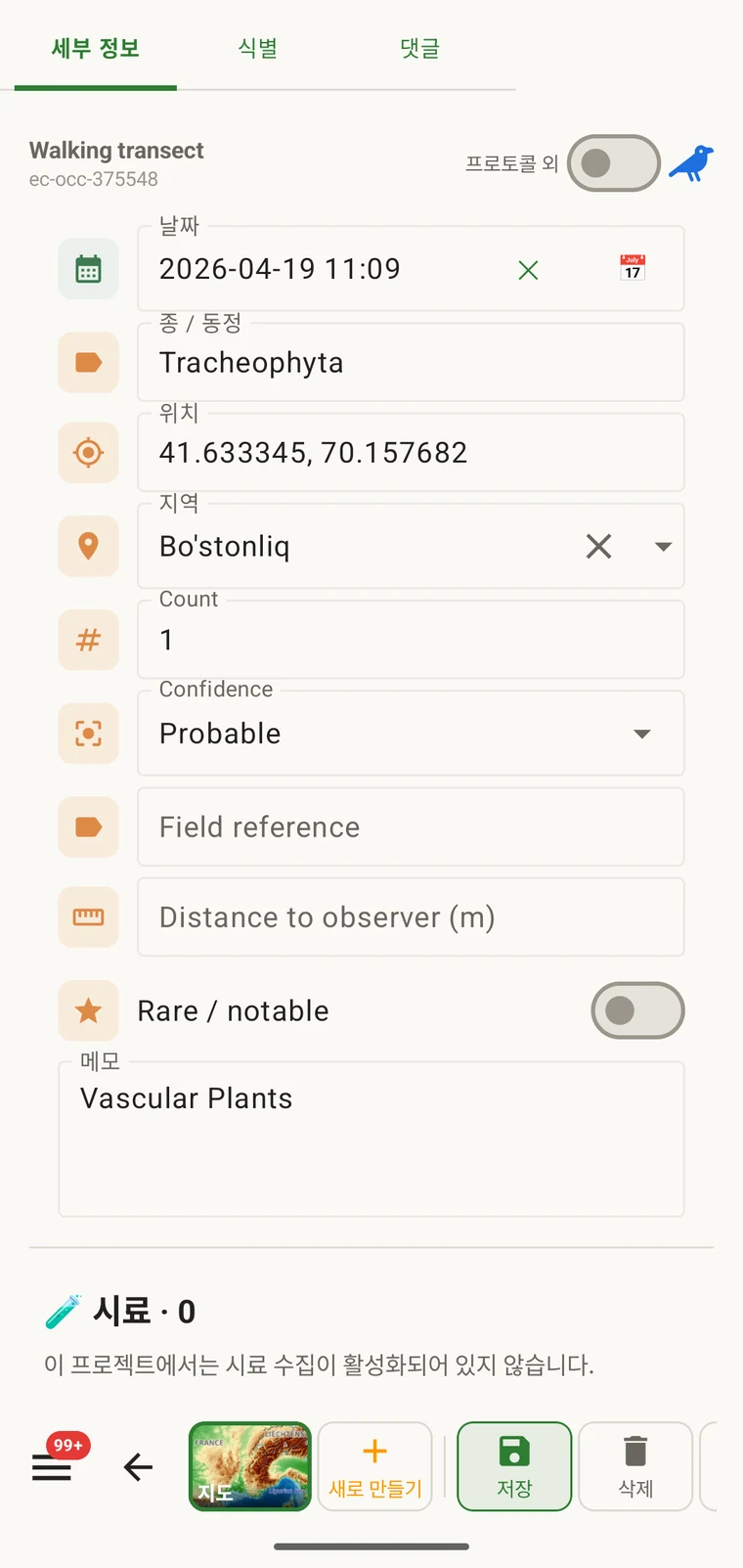
프로토콜은 레코드가 무엇을 담아야 하는지를 정의합니다: 관찰 양식에 어떤 필드가 나타나는지, 그중 무엇이 필수인지, 단위와 값 목록, 그리고 무엇을 완전한 관찰로 볼 것인지입니다. 프로젝트의 모든 레코드는 하나의 프로토콜에 따라 작성되며, 그 프로토콜이 기록자에게 표시되는 양식도 결정합니다.
프로토콜이 통제하는 것
프로토콜은 기록이 만들어 내는 구조를 정의합니다. 프로토콜을 바꾸면 양식도 함께 바뀌며, 그래서 양식 및 사용자 지정 필드와 이 페이지는 서로 관련된 내용을 다룹니다. 양식 페이지는 레이아웃과 필드 수준의 제어를 다루고, 이 페이지는 애초에 어떤 필드가 존재하는지를 결정하는 프로토콜을 다룹니다.
| 프로토콜이 정의하는 것 | 기록에 미치는 영향 |
|---|---|
| 제시되는 필드 | 관찰 양식에 나타나는 데이터 필드의 집합입니다. 프로토콜에 포함되지 않은 필드는 표시되지 않으며 입력할 수 없습니다. |
| 필수 필드 | 레코드를 저장하기 전에 반드시 채워야 하는 필드를 정합니다. 검증은 내보내기 시점이 아니라 입력 시점에 실행됩니다. |
| 단위와 값 목록 | 숫자 필드에 붙는 단위(미터, 도, 개체수)와 선택 필드에 표시되는 고정 옵션입니다. 프로토콜마다 고정되어 있으므로 프로젝트의 모든 레코드가 같은 어휘를 사용합니다. |
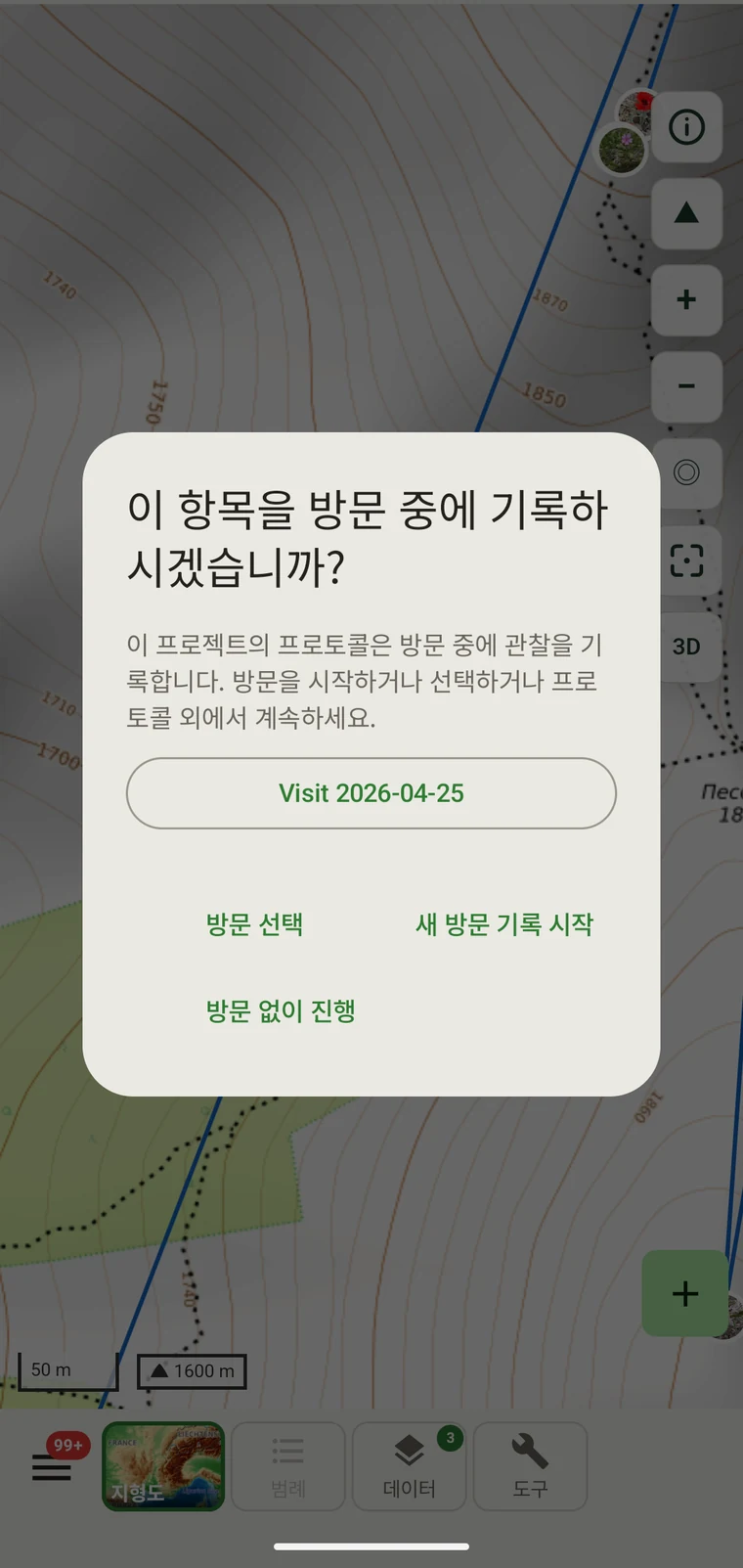
| 레코드 그룹화 | How observations are grouped: into survey visits, or left ungrouped as incidental records. The grouping structure determines what the visit prompt shows when you start recording. |
포함된 프로토콜
Seven survey protocols ship with the app: Casual / incidental, Site visit, Timed area search and Walking transect under "Other", and Vegetation — Braun-Blanquet, Vegetation — % cover and Vegetation — Drude relevé under "Vegetation". The project created on first run uses Casual / incidental. A project you create later has no protocol until you assign one; until then new records use the casual protocol's core fields.
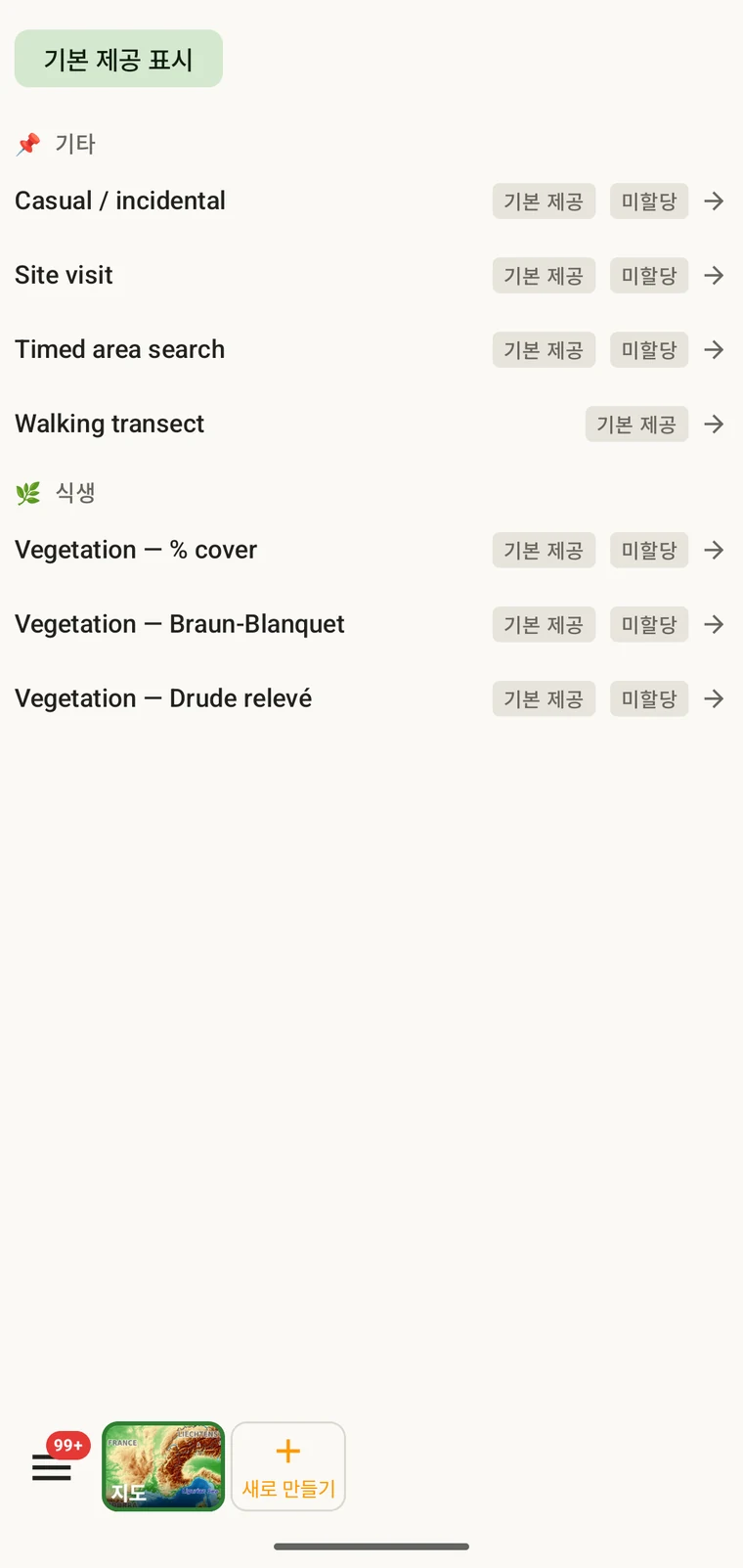
The list on the device is the best place to read each protocol: it shows the full description, the fields it includes and their settings. Open Menu → Protocols and tap a protocol to open it; the Information tab shows its description and settings, the Form builder and Custom fields tabs show its fields.
프로젝트의 프로토콜 선택
One project records under one protocol. Your first project starts with Casual / incidental; later projects start with no protocol and use core fields only. Assign the protocol when you know your method, before records are entered.
- Open Menu → Projects and tap the project.
- In the Survey protocol section tap Assign a protocol (or Change if one is assigned).
- Choose the protocol in the Choose a survey protocol list and tap Done. Assigning copies the protocol's full template — forms and custom fields — into the project.
- The observation form reflects the new protocol from the next record onward. Remove keeps your data and the core fields.
프로젝트당 하나의 프로토콜. 하나의 데이터셋에 서로 다른 두 필드 구조를 섞으면 분석이 어려워지므로, 프로젝트는 단일 프로토콜로 정의됩니다. 작업에 실제로 서로 다른 두 가지 방법이 필요하다면 프로젝트를 두 개 만들어 함께 내보내십시오.
프로토콜 편집
The seven built-in protocols are read-only. To adapt one, open it in Menu → Protocols and tap Clone; the copy is a custom protocol you can rename and edit. The practical case is a method close to a standard one that adds two or three measurements: clone, rename, add the fields. That way you keep the structure you know and only change what is different about your method.
Editing a protocol does not alter records already entered. Those records retain the field values they were given at the time. Projects that already use the protocol keep their copy until you tap Push to assigned projects in the Protocols Studio; from then on new records in those projects use the updated definition. To change the layout for one project only, use Customize on the project form instead.
Naming your edited protocol. Give it a name that distinguishes it from the original so that anyone reading the exported data can identify which definition was in use. The protocol code travels with every export.
직접 작성하기
The Protocols Studio (Menu → Protocols) is where custom protocols are created — tap New protocol and choose From scratch or Clone existing. A protocol has a name, code, description, group, required fields, effort thresholds and vocabulary sets, plus its own forms and custom fields on the Form builder and Custom fields tabs. The field-level work — captions, data types and whether a field appears in list views — is covered in Forms and custom fields.
프로토콜은 방법이 요구하는 만큼만 단순하게 유지하십시오. 필수 필드가 많은 프로토콜은 현장에서 기록 속도를 떨어뜨리고, 필수 필드가 전혀 없는 프로토콜은 나중에야 드러나는 방식으로 불완전할 수 있는 데이터셋을 만듭니다.
검증
Required fields are enforced when the record is entered, not discovered at export. Fields the protocol marks required are enforced when the record is saved: the form lists the missing ones and does not save until they are filled.
누락된 값은 현장에 있는 동안에는 채울 수 있습니다. 몇 달 뒤에 내보내기를 만든 뒤에는 채울 수 없습니다. 검증에는 레코드당 몇 초가 들지만, 나중에는 메울 수 없는 공백을 막아 줍니다.
필수로 표시되지 않은 필드는 비워 둘 수 있습니다. 이런 필드는 오류를 일으키지 않고 내보내기에서 빈 셀로 나타납니다.
시즌 중간에 프로토콜 변경
시즌 중에도 프로젝트에 지정된 프로토콜을 변경할 수 있습니다. 기존 레코드는 입력된 값을 그대로 유지하며, 새 프로토콜을 기준으로 다시 검증되지 않습니다. 새 프로토콜의 필드 집합과 필수 필드 규칙이 적용되는 것은 변경 이후에 입력된 새 레코드뿐입니다.
새 프로토콜에 이전 프로토콜에는 없던 필드가 있다면 기존 레코드는 내보내기에서 그 필드가 비어 있습니다. 새 프로토콜이 이전 프로토콜에 있던 필드를 생략하면 그 필드 값은 데이터베이스에 유지되지만 새 레코드의 양식에는 나타나지 않습니다.
변경 사항을 기록하십시오. 프로토콜이 바뀐 날짜를 프로젝트 설명이나 별도의 현장 노트 파일에 적어 두십시오. 변경 전후의 레코드를 함께 묶는 분석에서는 서로 다른 필드 구조를 고려해야 합니다.
프로토콜 공유
Protocol and form configuration travel together in the project setup file. Open the project, tap Share, and send the .ecsurvey file to each device; importing it (Menu → Projects → Import) gives that device the same protocol, forms and custom fields. Every recorder on the study then sees an identical form and records under the same required-field rules. Exporting the project to Google Drive also publishes the setup, which other devices receive with Download from Drive + merge…. See Forms and custom fields and Google Drive collaboration.