
Kayıt
Arazi protokolleri
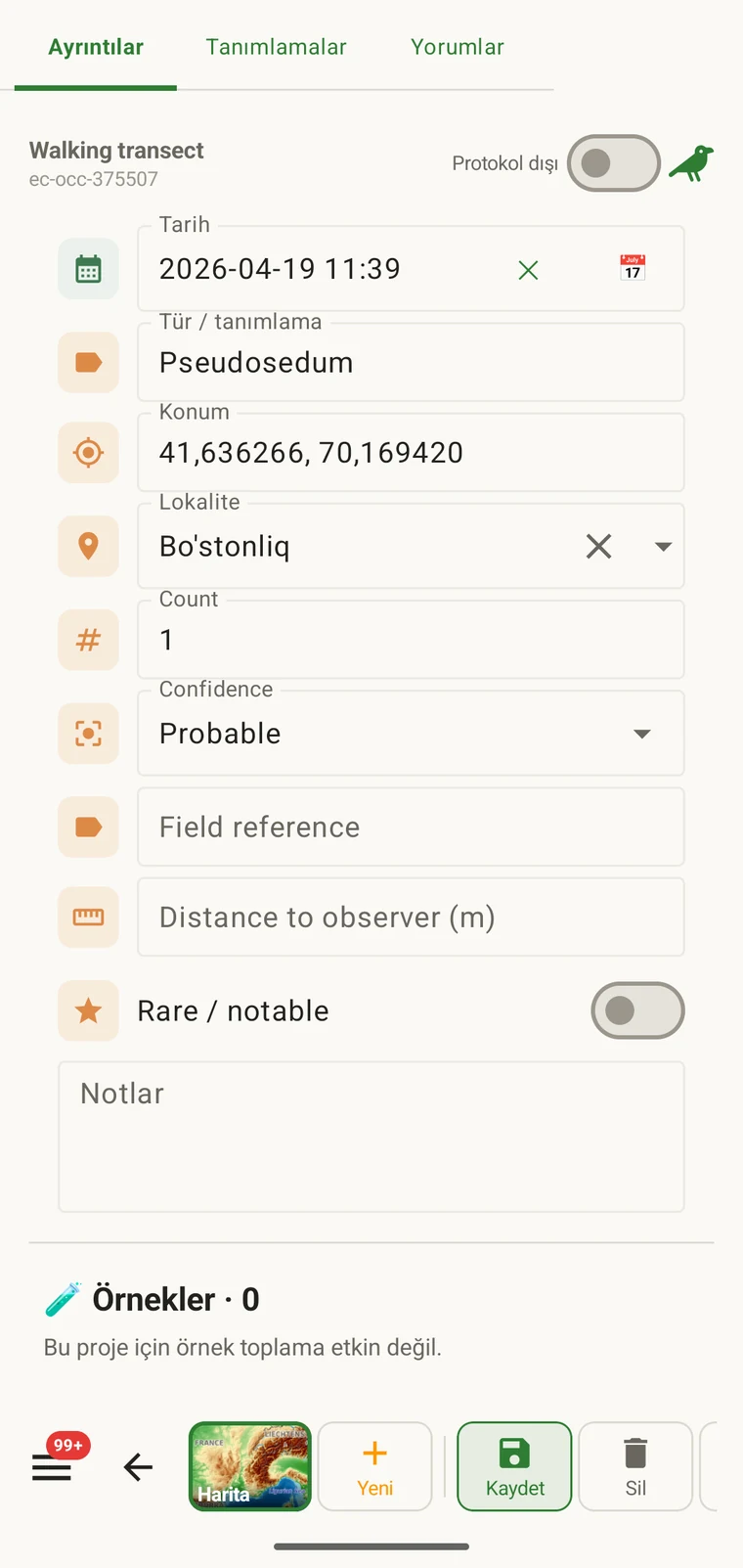
Bir protokol, bir kaydın neleri içermesi gerektiğini tanımlar: gözlem formunda hangi alanların görüneceğini, bunlardan hangilerinin zorunlu olduğunu, birimleri ve değer listelerini ve neyin eksiksiz bir gözlem sayıldığını. Bir projedeki her kayıt tek bir protokol altında yapılır; bu protokol aynı zamanda kaydeden kişiye gösterilen formu da belirler.
Bir protokolün neyi denetlediği
Protokol, kaydın ürettiği yapıyı tanımlar. Protokolü değiştirmek formu da onunla birlikte değiştirir; Formlar ve özel alanlar sayfasının ve bu sayfanın ilişkili konuları ele almasının nedeni budur. Form sayfası düzeni ve alan düzeyindeki denetimleri kapsar; bu sayfa ise hangi alanların en baştan var olduğunu belirleyen protokolü kapsar.
| Protokolün neyi tanımladığı | Kayıt üzerindeki etkisi |
|---|---|
| Sunulan alanlar | Gözlem formunda görünen veri alanları kümesi. Protokole dâhil olmayan alanlar görünmez ve doldurulamaz. |
| Zorunlu alanlar | Kayıt kaydedilmeden önce hangi alanların doldurulmuş olması gerektiği. Doğrulama, dışa aktarmada değil giriş anında çalışır. |
| Birimler ve değer listeleri | Sayısal alanlara bağlı birimler (metre, derece, sayımlar) ve seçim alanlarında gösterilen sabit seçenekler. Bunlar protokol başına sabittir, dolayısıyla bir projedeki tüm kayıtlar aynı sözlüğü kullanır. |
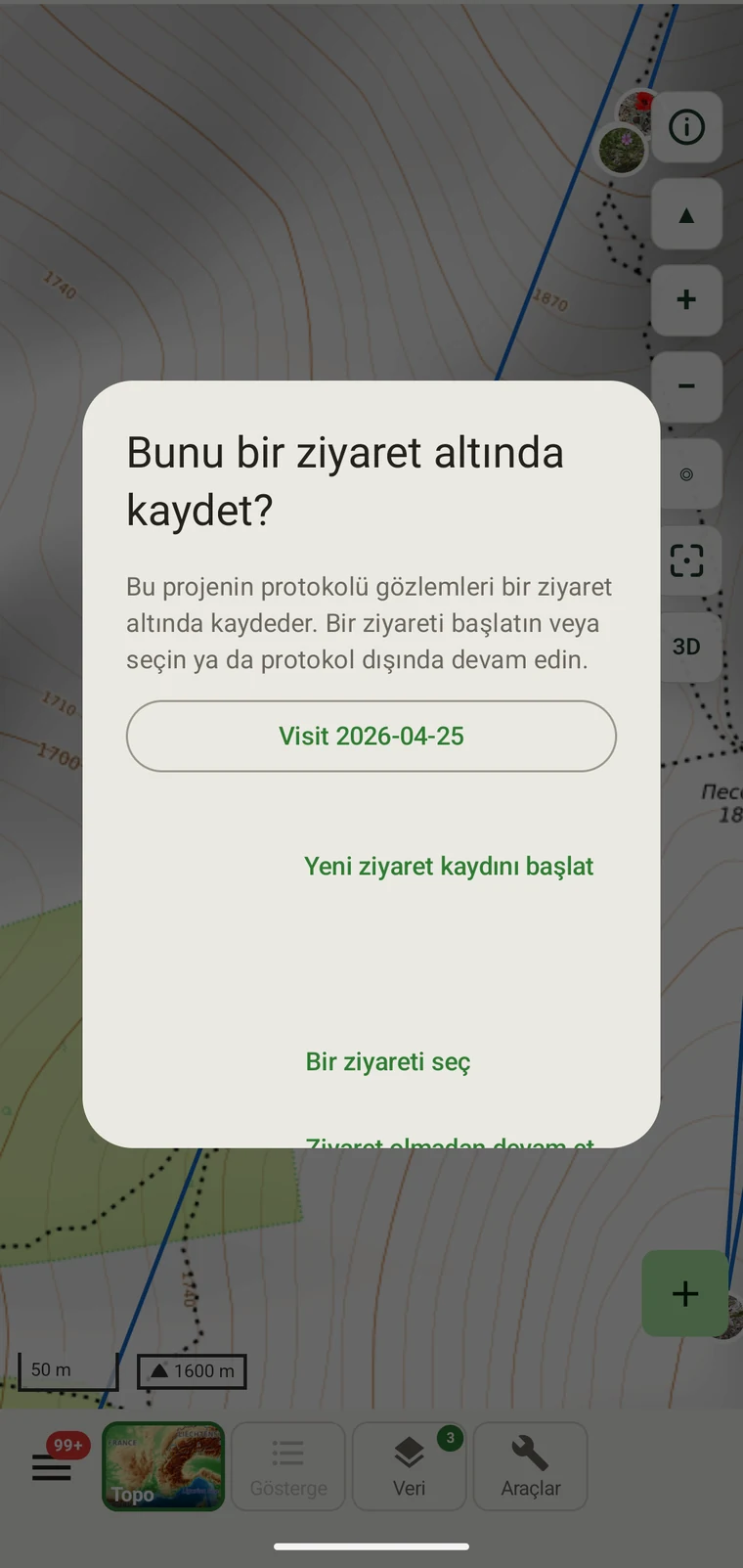
| Kayıt gruplama | How observations are grouped: into survey visits, or left ungrouped as incidental records. The grouping structure determines what the visit prompt shows when you start recording. |
Dâhil edilen protokoller
Seven survey protocols ship with the app: Casual / incidental, Site visit, Timed area search and Walking transect under "Other", and Vegetation — Braun-Blanquet, Vegetation — % cover and Vegetation — Drude relevé under "Vegetation". The project created on first run uses Casual / incidental. A project you create later has no protocol until you assign one; until then new records use the casual protocol's core fields.
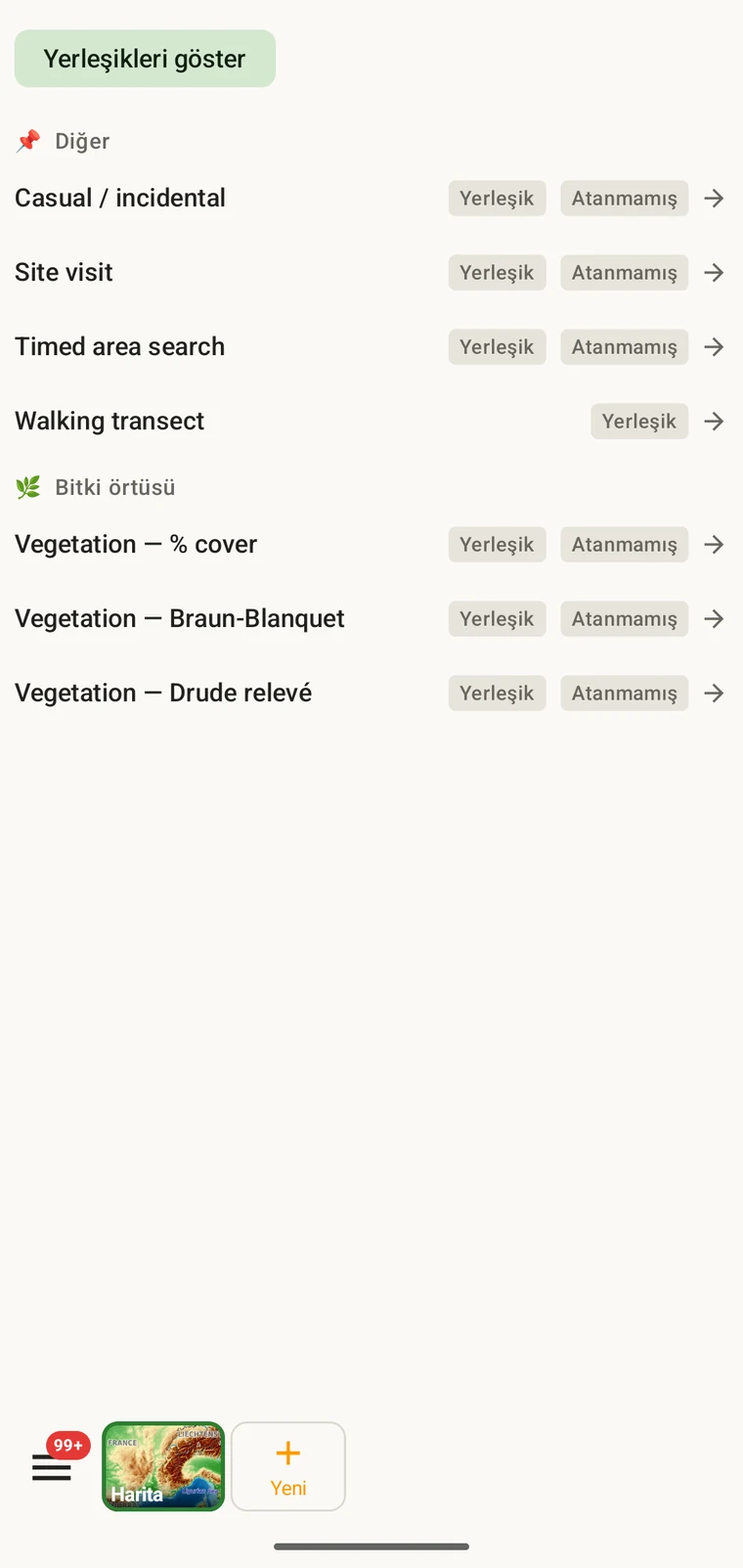
The list on the device is the best place to read each protocol: it shows the full description, the fields it includes and their settings. Open Menu → Protocols and tap a protocol to open it; the Information tab shows its description and settings, the Form builder and Custom fields tabs show its fields.
Bir proje için protokol seçme
One project records under one protocol. Your first project starts with Casual / incidental; later projects start with no protocol and use core fields only. Assign the protocol when you know your method, before records are entered.
- Open Menu → Projects and tap the project.
- In the Survey protocol section tap Assign a protocol (or Change if one is assigned).
- Choose the protocol in the Choose a survey protocol list and tap Done. Assigning copies the protocol's full template — forms and custom fields — into the project.
- The observation form reflects the new protocol from the next record onward. Remove keeps your data and the core fields.
Proje başına tek protokol. Bir proje tek bir protokolle tanımlanır; çünkü iki farklı alan yapısını tek bir veri kümesinde karıştırmak çözümlemeyi güçleştirir. Çalışmanız gerçekten iki ayrı yöntem gerektiriyorsa, iki proje kurun ve bunları birlikte dışa aktarın.
Bir protokolü düzenleme
The seven built-in protocols are read-only. To adapt one, open it in Menu → Protocols and tap Clone; the copy is a custom protocol you can rename and edit. The practical case is a method close to a standard one that adds two or three measurements: clone, rename, add the fields. That way you keep the structure you know and only change what is different about your method.
Editing a protocol does not alter records already entered. Those records retain the field values they were given at the time. Projects that already use the protocol keep their copy until you tap Push to assigned projects in the Protocols Studio; from then on new records in those projects use the updated definition. To change the layout for one project only, use Customize on the project form instead.
Naming your edited protocol. Give it a name that distinguishes it from the original so that anyone reading the exported data can identify which definition was in use. The protocol code travels with every export.
Kendi protokolünüzü yazma
The Protocols Studio (Menu → Protocols) is where custom protocols are created — tap New protocol and choose From scratch or Clone existing. A protocol has a name, code, description, group, required fields, effort thresholds and vocabulary sets, plus its own forms and custom fields on the Form builder and Custom fields tabs. The field-level work — captions, data types and whether a field appears in list views — is covered in Forms and custom fields.
Protokolleri yöntemin gerektirdiği kadar basit tutun. Çok sayıda zorunlu alanı olan bir protokol arazide kaydı yavaşlatır; hiç zorunlu alanı olmayan bir protokol ise ancak sonradan fark edilecek biçimlerde eksik olabilecek bir veri kümesi üretir.
Doğrulama
Required fields are enforced when the record is entered, not discovered at export. Fields the protocol marks required are enforced when the record is saved: the form lists the missing ones and does not save until they are filled.
Eksik bir değer, siz hâlâ alandayken sağlanabilir. Dışa aktarma aylar sonra üretildiğinde bu artık mümkün değildir. Doğrulama, kayıt başına birkaç saniyeye mal olur ve sonradan doldurulamayacak boşlukları önler.
Zorunlu olarak işaretlenmemiş alanlar boş bırakılabilir. Bunlar bir hataya yol açmak yerine dışa aktarmalarda boş hücre olarak görünür.
Sezon ortasında protokol değiştirme
Bir projeye atanan protokolü sezon içinde değiştirebilirsiniz. Mevcut kayıtlar girildikleri değerleri korur; yeni protokole göre yeniden doğrulanmazlar. Yalnızca değişiklikten sonra girilen yeni kayıtlar, yeni protokolün alan kümesine ve zorunlu alan kurallarına tabidir.
Yeni protokol, eskisinde bulunmayan alanlar içeriyorsa, mevcut kayıtlarda bu alanlar dışa aktarmalarda boş olur. Yeni protokol, eskisinde bulunan alanları atlıyorsa, bu alan değerleri veritabanında korunur ancak yeni kayıtların formunda görünmez.
Değişikliği belgeleyin. Protokolün değiştiği tarihi, proje açıklamasında ya da ayrı bir arazi notu dosyasında not edin. Değişiklikten önceki ve sonraki kayıtları bir araya getiren çözümlemelerin farklı alan yapılarını hesaba katması gerekir.
Bir protokolü paylaşma
Protocol and form configuration travel together in the project setup file. Open the project, tap Share, and send the .ecsurvey file to each device; importing it (Menu → Projects → Import) gives that device the same protocol, forms and custom fields. Every recorder on the study then sees an identical form and records under the same required-field rules. Exporting the project to Google Drive also publishes the setup, which other devices receive with Download from Drive + merge…. See Forms and custom fields and Google Drive collaboration.