
التسجيل
بروتوكولات المسح
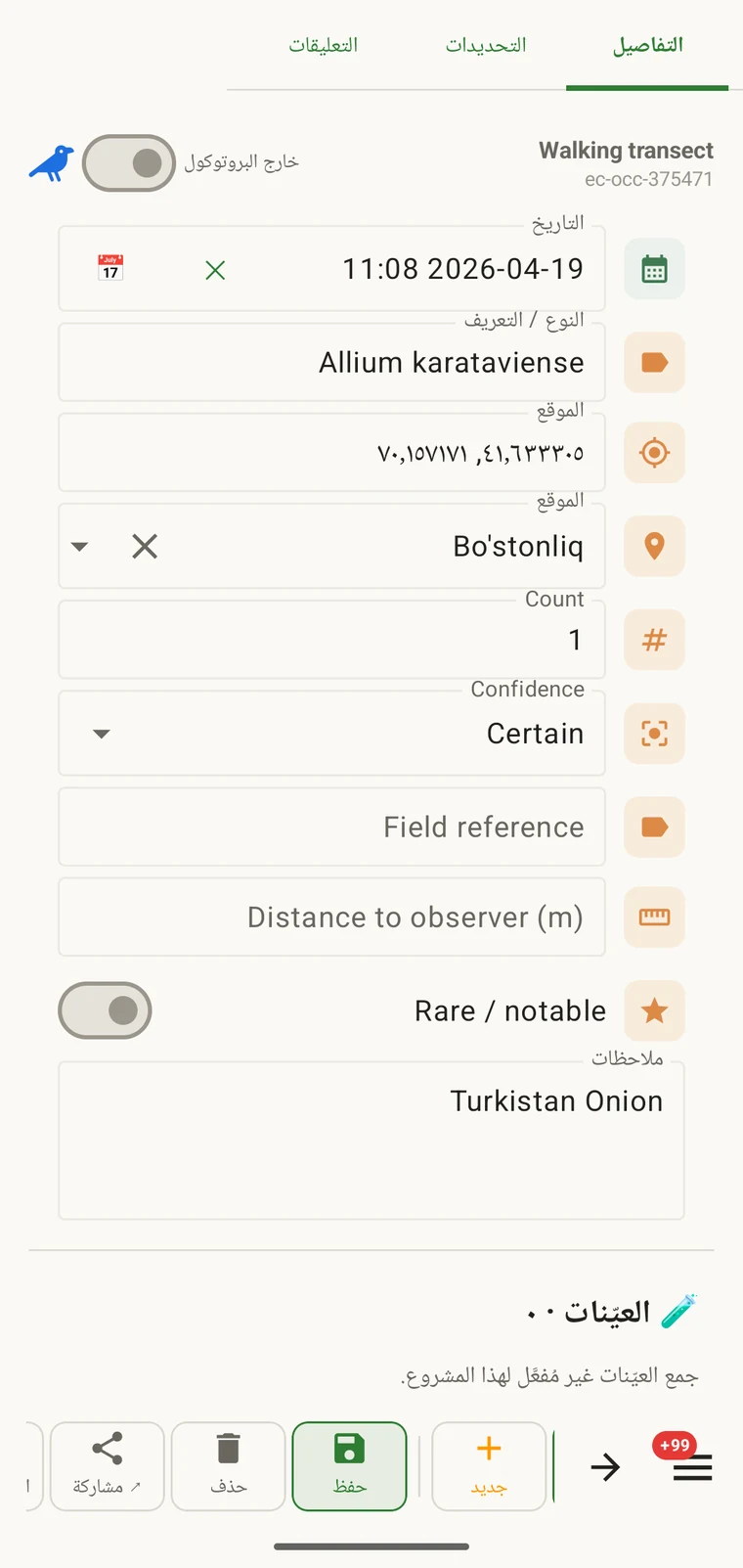
يحدد البروتوكول ما يجب أن يحتويه السجل: أي الحقول يظهر في نموذج المشاهدة، وأيها مطلوب، والوحدات وقوائم القيم، وما الذي يُعدّ مشاهدة كاملة. وكل سجل في المشروع يُنشأ ضمن بروتوكول واحد، وهو الذي يحدد أيضاً النموذج المعروض على المسجّل.
ما الذي يتحكم فيه البروتوكول
يحدد البروتوكول البنية التي ينتجها التسجيل. وتغيير البروتوكول يغيّر النموذج معه، ولهذا تتناول صفحة النماذج والحقول المخصصة وهذه الصفحة أرضاً متصلة. فصفحة النماذج تتناول التخطيط وعناصر التحكم على مستوى الحقل؛ وهذه الصفحة تتناول البروتوكول الذي يحدد أي الحقول موجود أصلاً.
| ما الذي يحدده البروتوكول | الأثر في التسجيل |
|---|---|
| الحقول المعروضة | مجموعة حقول البيانات التي تظهر في نموذج المشاهدة. والحقول غير المضمّنة في البروتوكول لا تظهر ولا يمكن ملؤها. |
| الحقول المطلوبة | أي الحقول يجب ملؤه قبل إمكان حفظ السجل. ويجري التحقق وقت الإدخال، لا عند التصدير. |
| الوحدات وقوائم القيم | الوحدات المرتبطة بالحقول العددية (الأمتار، والدرجات، والأعداد) والخيارات الثابتة المعروضة في حقول الاختيار. وهي ثابتة لكل بروتوكول، فتستخدم كل السجلات في المشروع المفردات نفسها. |
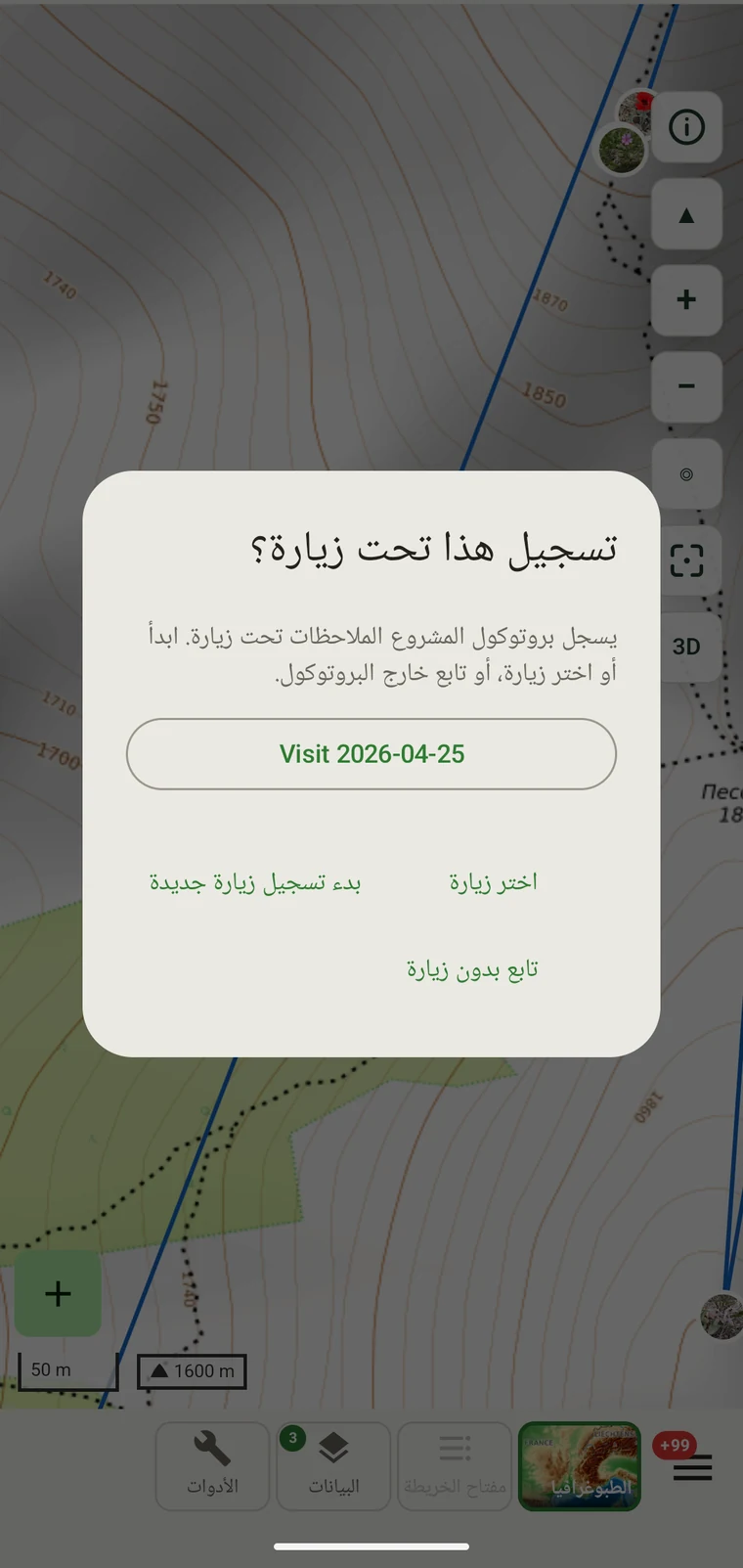
| تجميع السجلات | How observations are grouped: into survey visits, or left ungrouped as incidental records. The grouping structure determines what the visit prompt shows when you start recording. |
البروتوكولات المضمّنة
Seven survey protocols ship with the app: Casual / incidental, Site visit, Timed area search and Walking transect under "Other", and Vegetation — Braun-Blanquet, Vegetation — % cover and Vegetation — Drude relevé under "Vegetation". The project created on first run uses Casual / incidental. A project you create later has no protocol until you assign one; until then new records use the casual protocol's core fields.
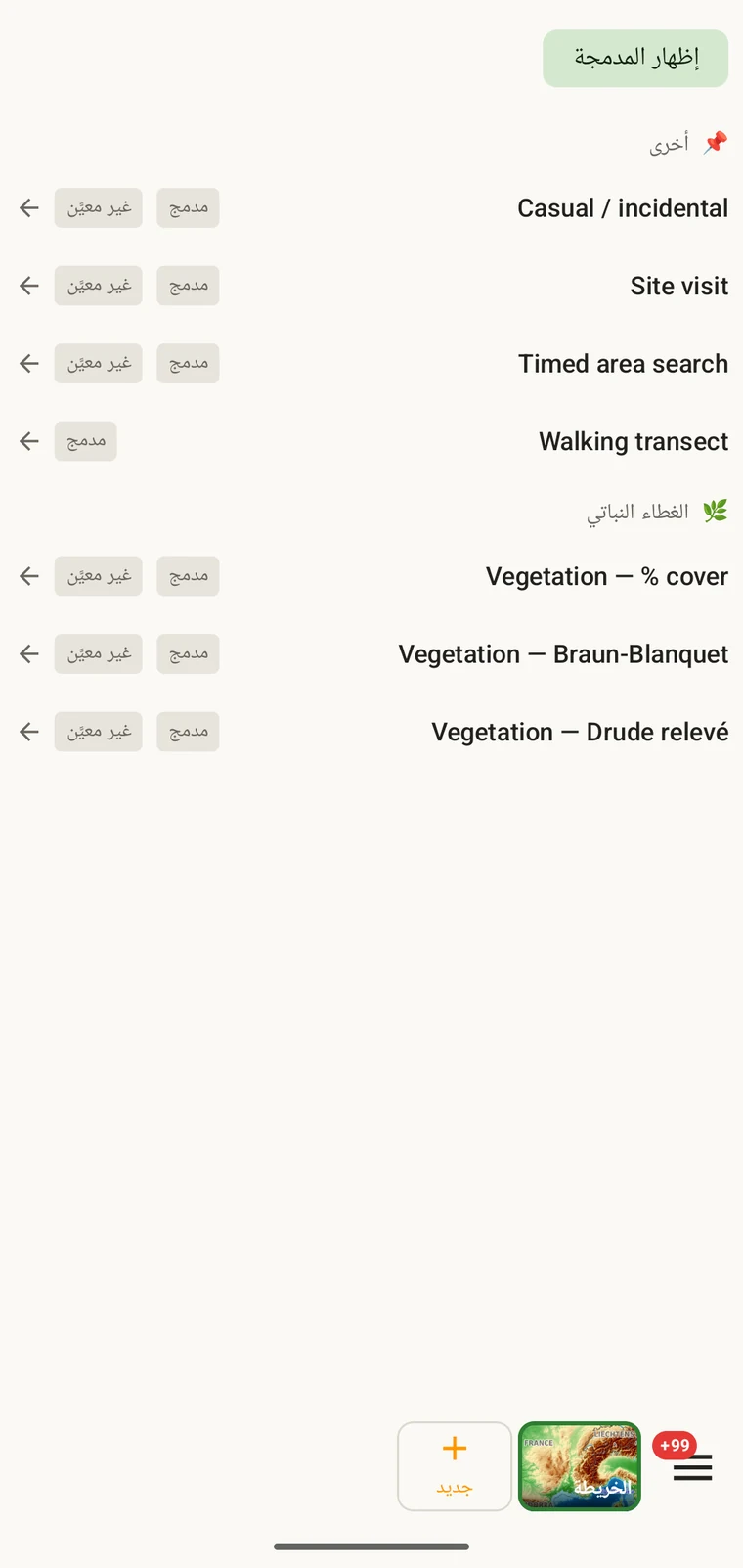
The list on the device is the best place to read each protocol: it shows the full description, the fields it includes and their settings. Open Menu → Protocols and tap a protocol to open it; the Information tab shows its description and settings, the Form builder and Custom fields tabs show its fields.
اختيار البروتوكول للمشروع
One project records under one protocol. Your first project starts with Casual / incidental; later projects start with no protocol and use core fields only. Assign the protocol when you know your method, before records are entered.
- Open Menu → Projects and tap the project.
- In the Survey protocol section tap Assign a protocol (or Change if one is assigned).
- Choose the protocol in the Choose a survey protocol list and tap Done. Assigning copies the protocol's full template — forms and custom fields — into the project.
- The observation form reflects the new protocol from the next record onward. Remove keeps your data and the core fields.
بروتوكول واحد لكل مشروع. يُعرَّف المشروع ببروتوكول واحد، لأن خلط بنيتي حقول مختلفتين في مجموعة بيانات واحدة يصعّب التحليل. وإن كان عملك يقتضي فعلاً طريقتين متمايزتين، فأنشئ مشروعين وصدّرهما معاً.
تحرير بروتوكول
The seven built-in protocols are read-only. To adapt one, open it in Menu → Protocols and tap Clone; the copy is a custom protocol you can rename and edit. The practical case is a method close to a standard one that adds two or three measurements: clone, rename, add the fields. That way you keep the structure you know and only change what is different about your method.
Editing a protocol does not alter records already entered. Those records retain the field values they were given at the time. Projects that already use the protocol keep their copy until you tap Push to assigned projects in the Protocols Studio; from then on new records in those projects use the updated definition. To change the layout for one project only, use Customize on the project form instead.
Naming your edited protocol. Give it a name that distinguishes it from the original so that anyone reading the exported data can identify which definition was in use. The protocol code travels with every export.
كتابة بروتوكولك الخاص
The Protocols Studio (Menu → Protocols) is where custom protocols are created — tap New protocol and choose From scratch or Clone existing. A protocol has a name, code, description, group, required fields, effort thresholds and vocabulary sets, plus its own forms and custom fields on the Form builder and Custom fields tabs. The field-level work — captions, data types and whether a field appears in list views — is covered in Forms and custom fields.
أبقِ البروتوكولات بالبساطة التي تقتضيها الطريقة. فالبروتوكول ذو الحقول المطلوبة الكثيرة يبطئ التسجيل في الميدان؛ والبروتوكول الخالي من الحقول المطلوبة ينتج مجموعة بيانات قد تكون ناقصة بطرق لا تُكتشف إلا لاحقاً.
التحقق
Required fields are enforced when the record is entered, not discovered at export. Fields the protocol marks required are enforced when the record is saved: the form lists the missing ones and does not save until they are filled.
يمكن توفير قيمة ناقصة وأنت لا تزال في الموقع. أما بعد إنتاج التصدير بعد أشهر فلا يمكن. والتحقق يكلّف ثوانٍ قليلة لكل سجل ويمنع فجوات لا يمكن سدّها بعد ذلك.
أما الحقول غير الموسومة بأنها مطلوبة فيمكن تركها فارغة. وستظهر في التصدير خلايا فارغة بدل أن تسبب خطأ.
تغيير البروتوكول في منتصف الموسم
يمكنك تغيير البروتوكول المعيَّن لمشروع أثناء الموسم. وتحتفظ السجلات الموجودة بالقيم التي أُدخلت بها؛ ولا يُعاد التحقق منها وفق البروتوكول الجديد. ولا يخضع لمجموعة حقول البروتوكول الجديد وقواعد حقوله المطلوبة سوى السجلات الجديدة المُدخلة بعد التغيير.
إن تضمّن البروتوكول الجديد حقولاً لم تكن في القديم، ظهرت تلك الحقول فارغة للسجلات الموجودة في التصدير. وإن أغفل البروتوكول الجديد حقولاً كانت في القديم، بقيت قيم تلك الحقول في قاعدة البيانات لكنها لن تظهر في النموذج للسجلات الجديدة.
وثّق التغيير. سجّل التاريخ الذي تغيّر فيه البروتوكول، إما في وصف المشروع وإما في ملف ملاحظات ميدانية منفصل. فالتحليل الذي يجمع سجلات من قبل التغيير ومن بعده يحتاج إلى مراعاة اختلاف بنى الحقول.
مشاركة بروتوكول
Protocol and form configuration travel together in the project setup file. Open the project, tap Share, and send the .ecsurvey file to each device; importing it (Menu → Projects → Import) gives that device the same protocol, forms and custom fields. Every recorder on the study then sees an identical form and records under the same required-field rules. Exporting the project to Google Drive also publishes the setup, which other devices receive with Download from Drive + merge…. See Forms and custom fields and Google Drive collaboration.