
Erfassung
Erhebungsprotokolle
Ein Protokoll legt fest, was ein Datensatz enthalten muss: welche Felder im Beobachtungsformular erscheinen, welche davon erforderlich sind, die Einheiten und Wertelisten und was als vollständige Beobachtung zählt. Jeder Datensatz in einem Projekt entsteht unter einem Protokoll, das auch bestimmt, welches Formular der erfassenden Person angezeigt wird.
Was ein Protokoll steuert
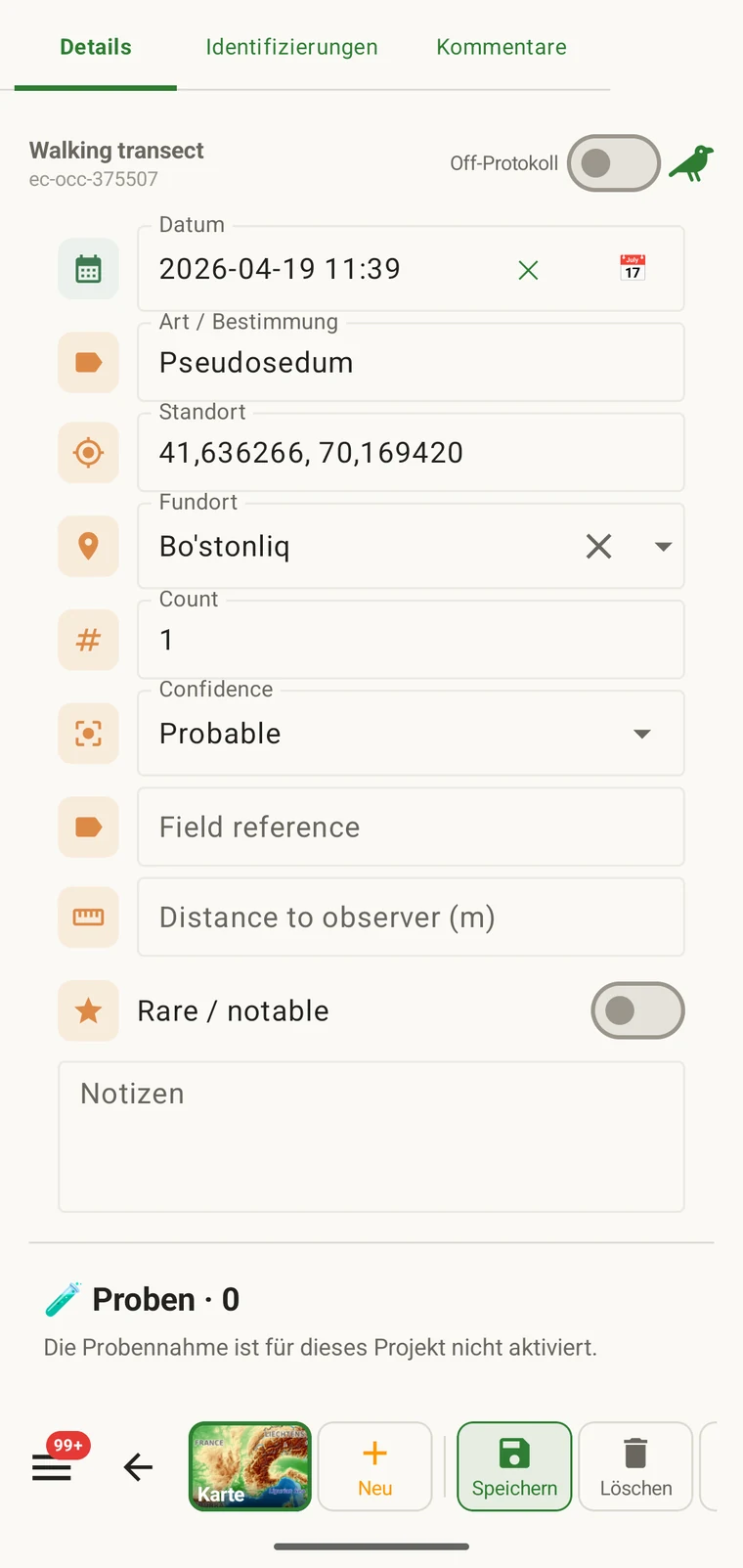
Das Protokoll legt die Struktur fest, die bei der Erfassung entsteht. Wenn Sie das Protokoll ändern, ändert sich das Formular mit, weshalb Formulare und benutzerdefinierte Felder und diese Seite verwandtes Gelände abdecken. Die Formularseite behandelt das Layout und die Einstellungen auf Feldebene; diese Seite behandelt das Protokoll, das überhaupt erst bestimmt, welche Felder es gibt.
| Was das Protokoll definiert | Wirkung auf die Erfassung |
|---|---|
| Dargebotene Felder | Die Menge der Datenfelder, die auf dem Beobachtungsformular erscheinen. Felder, die nicht im Protokoll enthalten sind, erscheinen nicht und können nicht ausgefüllt werden. |
| Erforderliche Felder | Welche Felder ausgefüllt sein müssen, bevor der Datensatz gespeichert werden kann. Die Prüfung läuft bei der Eingabe, nicht beim Export. |
| Einheiten und Wertelisten | Die Einheiten an numerischen Feldern (Meter, Grad, Anzahlen) und die festen Optionen in Auswahlfeldern. Diese sind je Protokoll festgelegt, sodass alle Datensätze eines Projekts dasselbe Vokabular verwenden. |
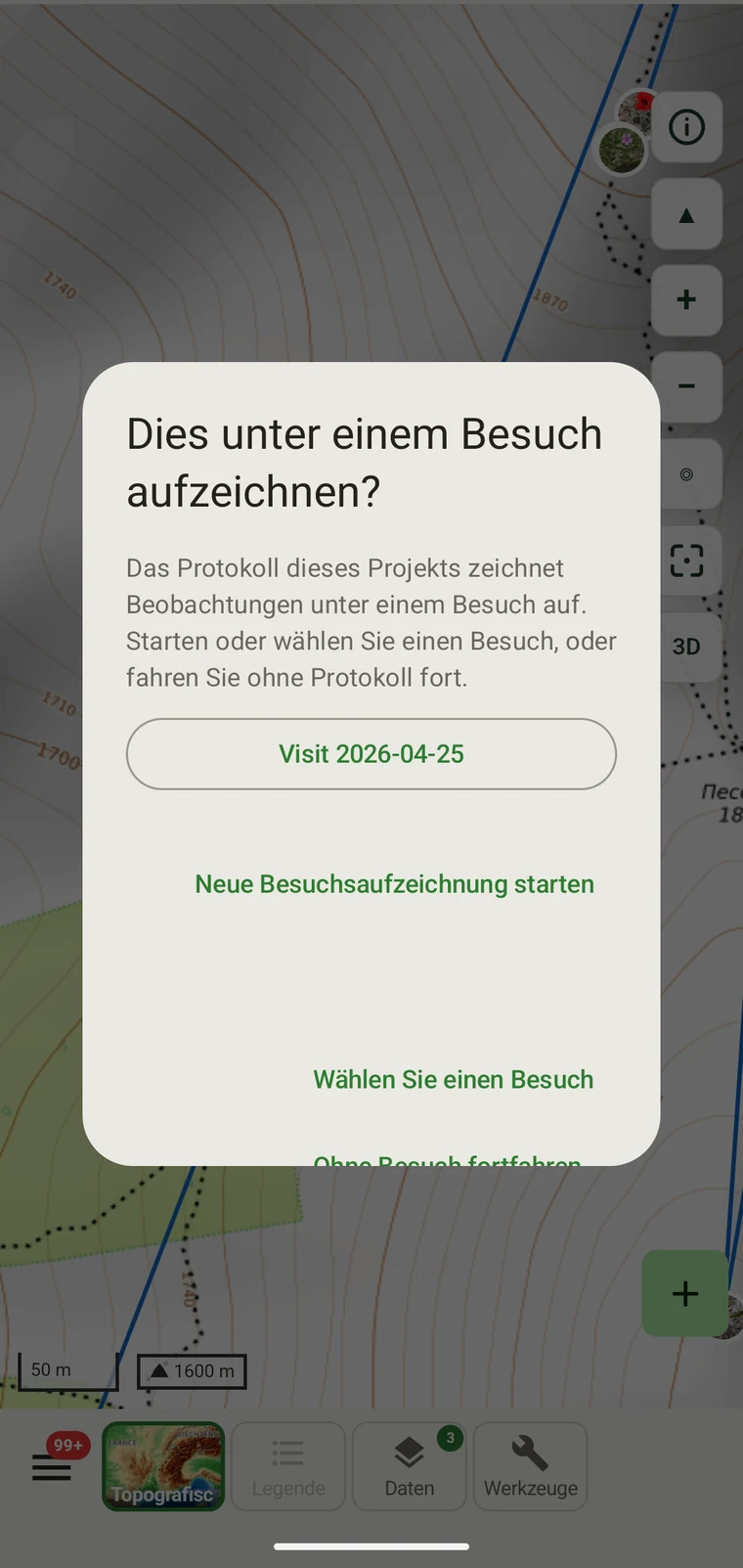
| Gruppierung der Datensätze | How observations are grouped: into survey visits, or left ungrouped as incidental records. The grouping structure determines what the visit prompt shows when you start recording. |
Die enthaltenen Protokolle
Seven survey protocols ship with the app: Casual / incidental, Site visit, Timed area search and Walking transect under "Other", and Vegetation — Braun-Blanquet, Vegetation — % cover and Vegetation — Drude relevé under "Vegetation". The project created on first run uses Casual / incidental. A project you create later has no protocol until you assign one; until then new records use the casual protocol's core fields.
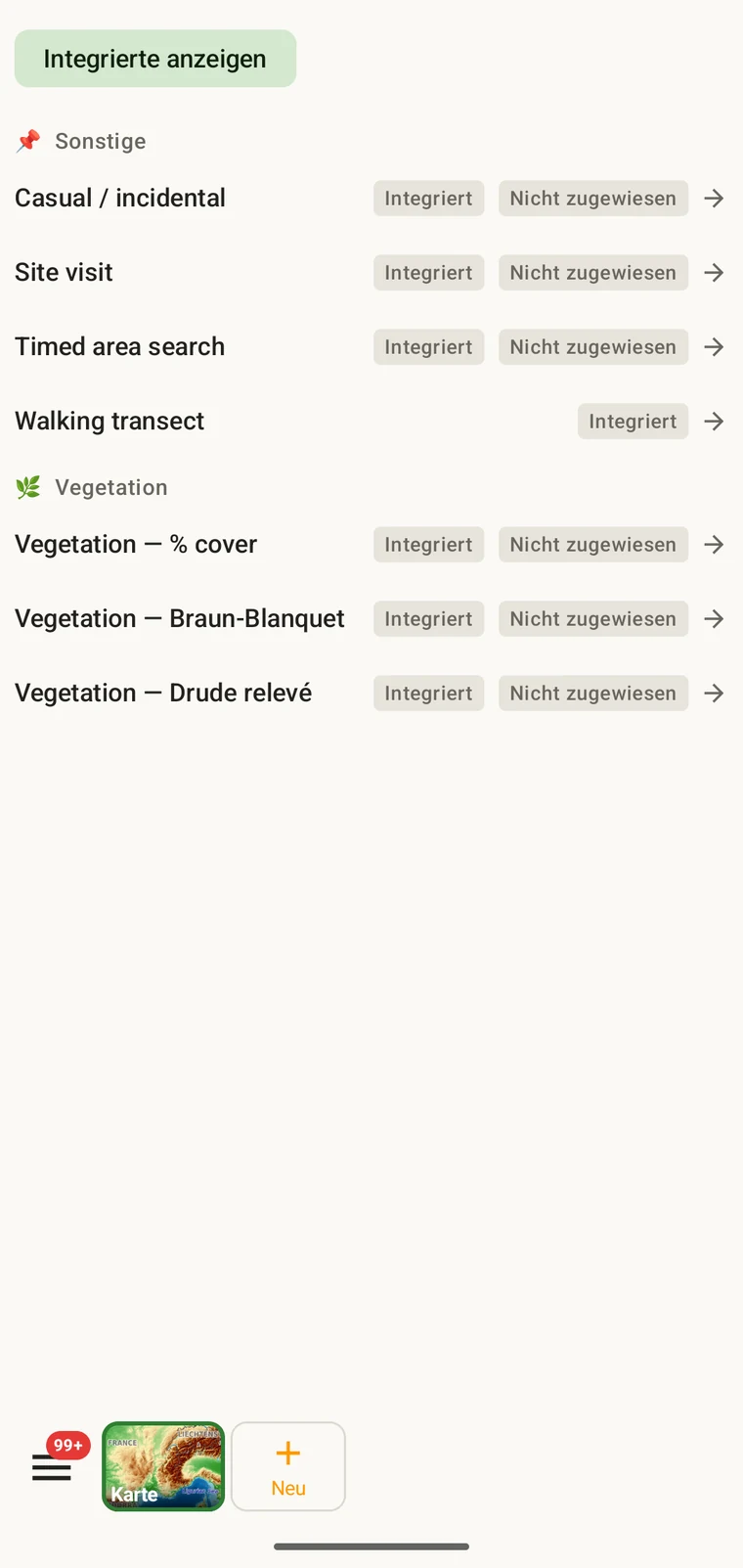
The list on the device is the best place to read each protocol: it shows the full description, the fields it includes and their settings. Open Menu → Protocols and tap a protocol to open it; the Information tab shows its description and settings, the Form builder and Custom fields tabs show its fields.
Das Protokoll für ein Projekt wählen
One project records under one protocol. Your first project starts with Casual / incidental; later projects start with no protocol and use core fields only. Assign the protocol when you know your method, before records are entered.
- Open Menu → Projects and tap the project.
- In the Survey protocol section tap Assign a protocol (or Change if one is assigned).
- Choose the protocol in the Choose a survey protocol list and tap Done. Assigning copies the protocol's full template — forms and custom fields — into the project.
- The observation form reflects the new protocol from the next record onward. Remove keeps your data and the core fields.
Ein Protokoll je Projekt. Ein Projekt wird durch ein einziges Protokoll definiert, weil zwei verschiedene Feldstrukturen in einem Datenbestand die Auswertung erschweren. Wenn Ihre Arbeit tatsächlich zwei unterschiedliche Methoden erfordert, richten Sie zwei Projekte ein und exportieren sie gemeinsam.
Ein Protokoll bearbeiten
The seven built-in protocols are read-only. To adapt one, open it in Menu → Protocols and tap Clone; the copy is a custom protocol you can rename and edit. The practical case is a method close to a standard one that adds two or three measurements: clone, rename, add the fields. That way you keep the structure you know and only change what is different about your method.
Editing a protocol does not alter records already entered. Those records retain the field values they were given at the time. Projects that already use the protocol keep their copy until you tap Push to assigned projects in the Protocols Studio; from then on new records in those projects use the updated definition. To change the layout for one project only, use Customize on the project form instead.
Naming your edited protocol. Give it a name that distinguishes it from the original so that anyone reading the exported data can identify which definition was in use. The protocol code travels with every export.
Ein eigenes Protokoll schreiben
The Protocols Studio (Menu → Protocols) is where custom protocols are created — tap New protocol and choose From scratch or Clone existing. A protocol has a name, code, description, group, required fields, effort thresholds and vocabulary sets, plus its own forms and custom fields on the Form builder and Custom fields tabs. The field-level work — captions, data types and whether a field appears in list views — is covered in Forms and custom fields.
Halten Sie Protokolle so einfach, wie die Methode es erfordert. Ein Protokoll mit vielen Pflichtfeldern verlangsamt die Erfassung im Gelände; ein Protokoll ohne Pflichtfelder erzeugt einen Datenbestand, der auf eine Weise unvollständig sein kann, die erst später auffällt.
Validierung
Required fields are enforced when the record is entered, not discovered at export. Fields the protocol marks required are enforced when the record is saved: the form lists the missing ones and does not save until they are filled.
Ein fehlender Wert lässt sich nachtragen, solange Sie noch vor Ort sind. Sobald der Export Monate später erzeugt wird, geht das nicht mehr. Die Prüfung kostet ein paar Sekunden je Datensatz und verhindert Lücken, die sich nachträglich nicht mehr füllen lassen.
Felder, die nicht als erforderlich markiert sind, können leer bleiben. Sie erscheinen in Exporten als leere Zellen, statt einen Fehler auszulösen.
Ein Protokoll mitten in der Saison ändern
Sie können das einem Projekt zugewiesene Protokoll während einer Saison ändern. Vorhandene Datensätze behalten die Werte, mit denen sie eingegeben wurden; sie werden nicht erneut gegen das neue Protokoll geprüft. Nur neue Datensätze, die nach der Änderung eingegeben werden, unterliegen dem Feldsatz und den Pflichtfeldregeln des neuen Protokolls.
Enthält das neue Protokoll Felder, die das alte nicht hatte, bleiben diese Felder bei vorhandenen Datensätzen in Exporten leer. Lässt das neue Protokoll Felder weg, die das alte hatte, bleiben diese Feldwerte in der Datenbank erhalten, erscheinen aber bei neuen Datensätzen nicht mehr im Formular.
Dokumentieren Sie die Änderung. Halten Sie das Datum fest, an dem das Protokoll gewechselt hat, entweder in der Projektbeschreibung oder in einer separaten Datei mit Geländenotizen. Eine Auswertung, die Datensätze von vor und nach der Änderung zusammenfasst, muss die unterschiedlichen Feldstrukturen berücksichtigen.
Ein Protokoll teilen
Protocol and form configuration travel together in the project setup file. Open the project, tap Share, and send the .ecsurvey file to each device; importing it (Menu → Projects → Import) gives that device the same protocol, forms and custom fields. Every recorder on the study then sees an identical form and records under the same required-field rules. Exporting the project to Google Drive also publishes the setup, which other devices receive with Download from Drive + merge…. See Forms and custom fields and Google Drive collaboration.