
Registreren
Veldprotocollen
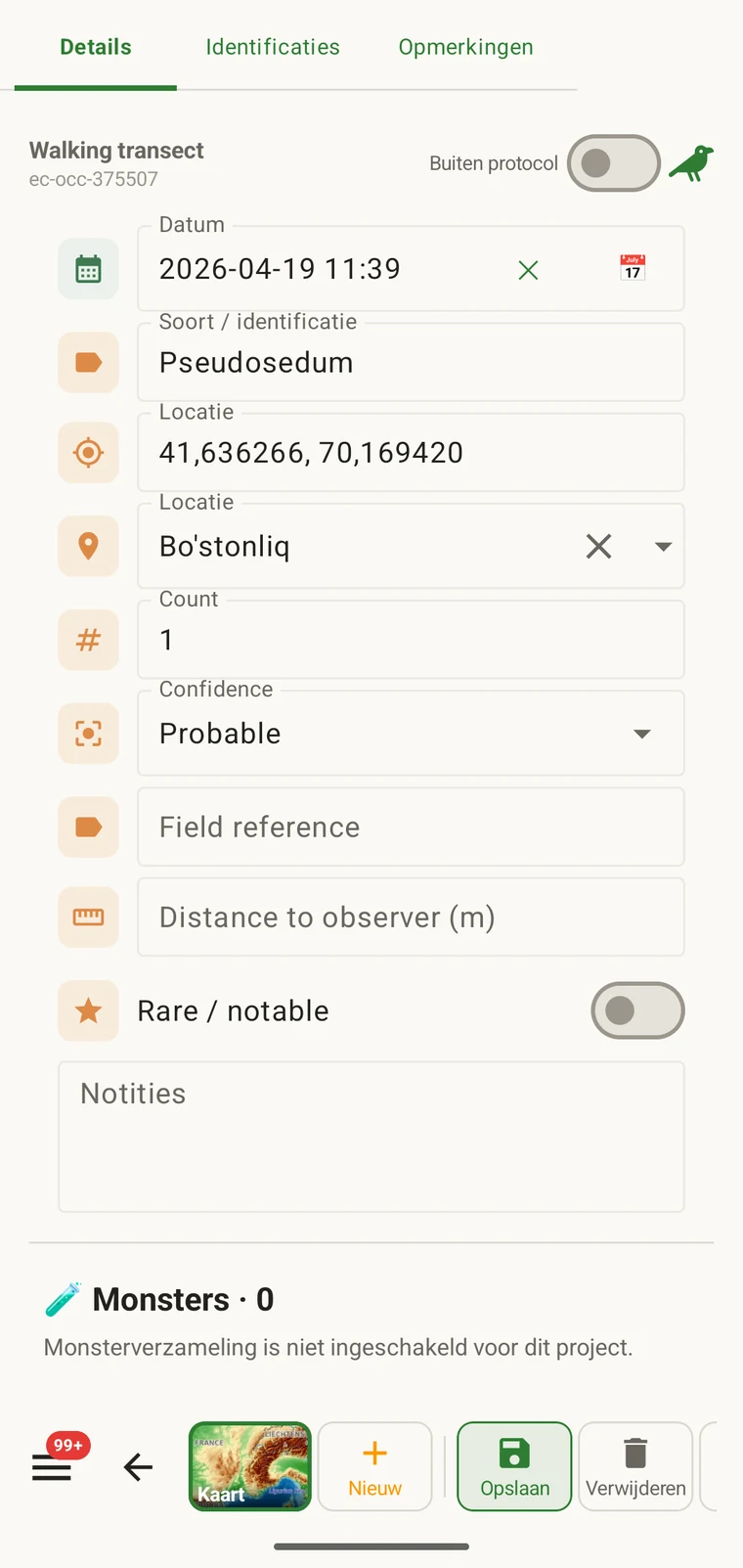
Een protocol bepaalt wat een record moet bevatten: welke velden op het waarnemingsformulier verschijnen, welke daarvan vereist zijn, de eenheden en waardelijsten, en wat als een volledige waarneming geldt. Elk record in een project wordt onder één protocol gemaakt, dat ook bepaalt welk formulier de waarnemer te zien krijgt.
Wat een protocol bepaalt
Het protocol bepaalt de structuur die het registreren oplevert. Het protocol wijzigen wijzigt het formulier mee, en daarom raken Formulieren en aangepaste velden en deze pagina aan hetzelfde onderwerp. De formulierpagina behandelt de indeling en de besturing op veldniveau; deze pagina behandelt het protocol dat om te beginnen bepaalt welke velden er bestaan.
| Wat het protocol definieert | Gevolg voor het registreren |
|---|---|
| Getoonde velden | De set gegevensvelden die op het waarnemingsformulier verschijnt. Velden die niet in het protocol staan, verschijnen niet en kunnen niet worden ingevuld. |
| Vereiste velden | Welke velden moeten zijn ingevuld voordat het record kan worden opgeslagen. Validatie loopt bij invoer, niet bij de export. |
| Eenheden en waardelijsten | De eenheden die aan numerieke velden hangen (meters, graden, aantallen) en de vaste opties in keuzevelden. Deze liggen per protocol vast, zodat alle records in een project dezelfde woordenschat gebruiken. |
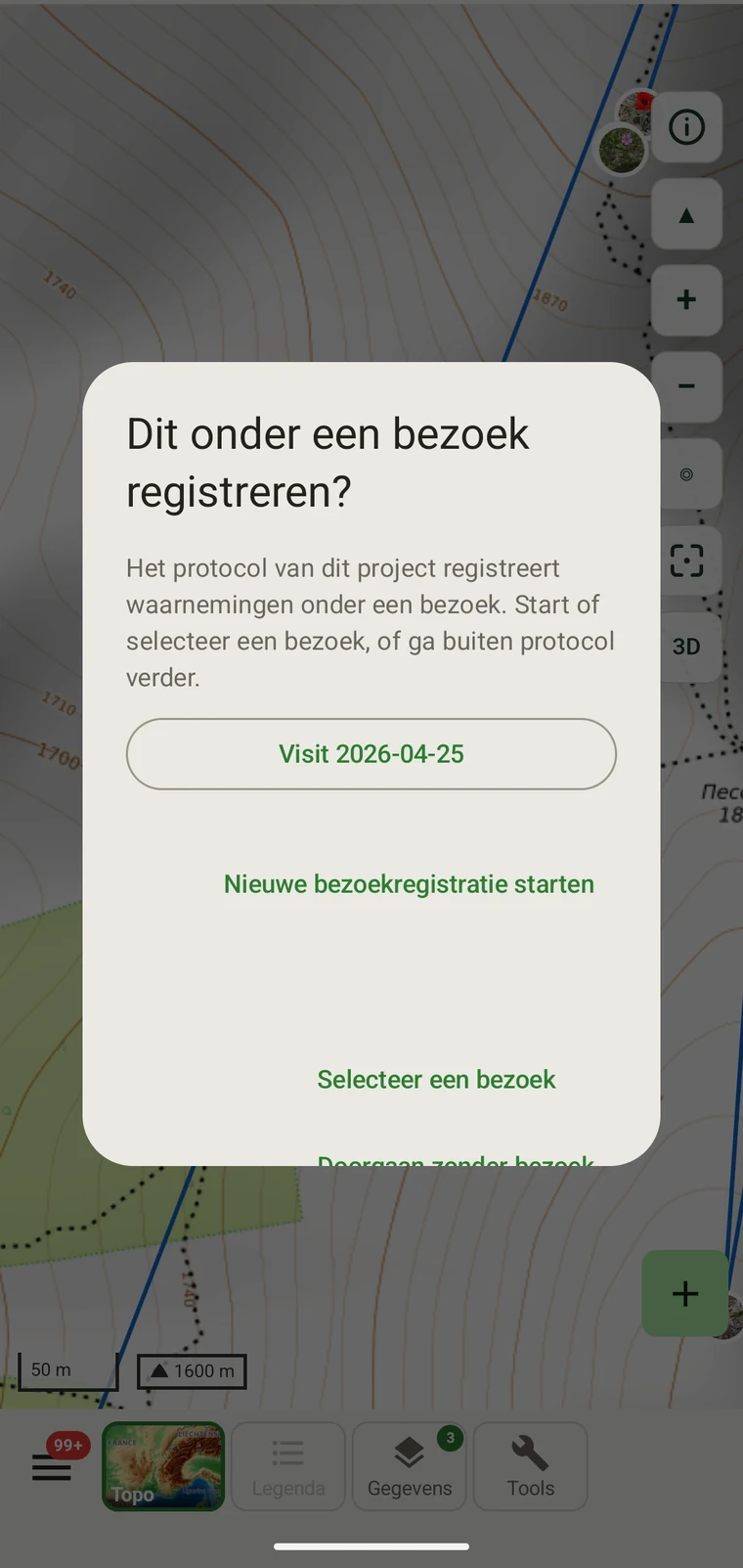
| Recordgroepering | How observations are grouped: into survey visits, or left ungrouped as incidental records. The grouping structure determines what the visit prompt shows when you start recording. |
De meegeleverde protocollen
Seven survey protocols ship with the app: Casual / incidental, Site visit, Timed area search and Walking transect under "Other", and Vegetation — Braun-Blanquet, Vegetation — % cover and Vegetation — Drude relevé under "Vegetation". The project created on first run uses Casual / incidental. A project you create later has no protocol until you assign one; until then new records use the casual protocol's core fields.
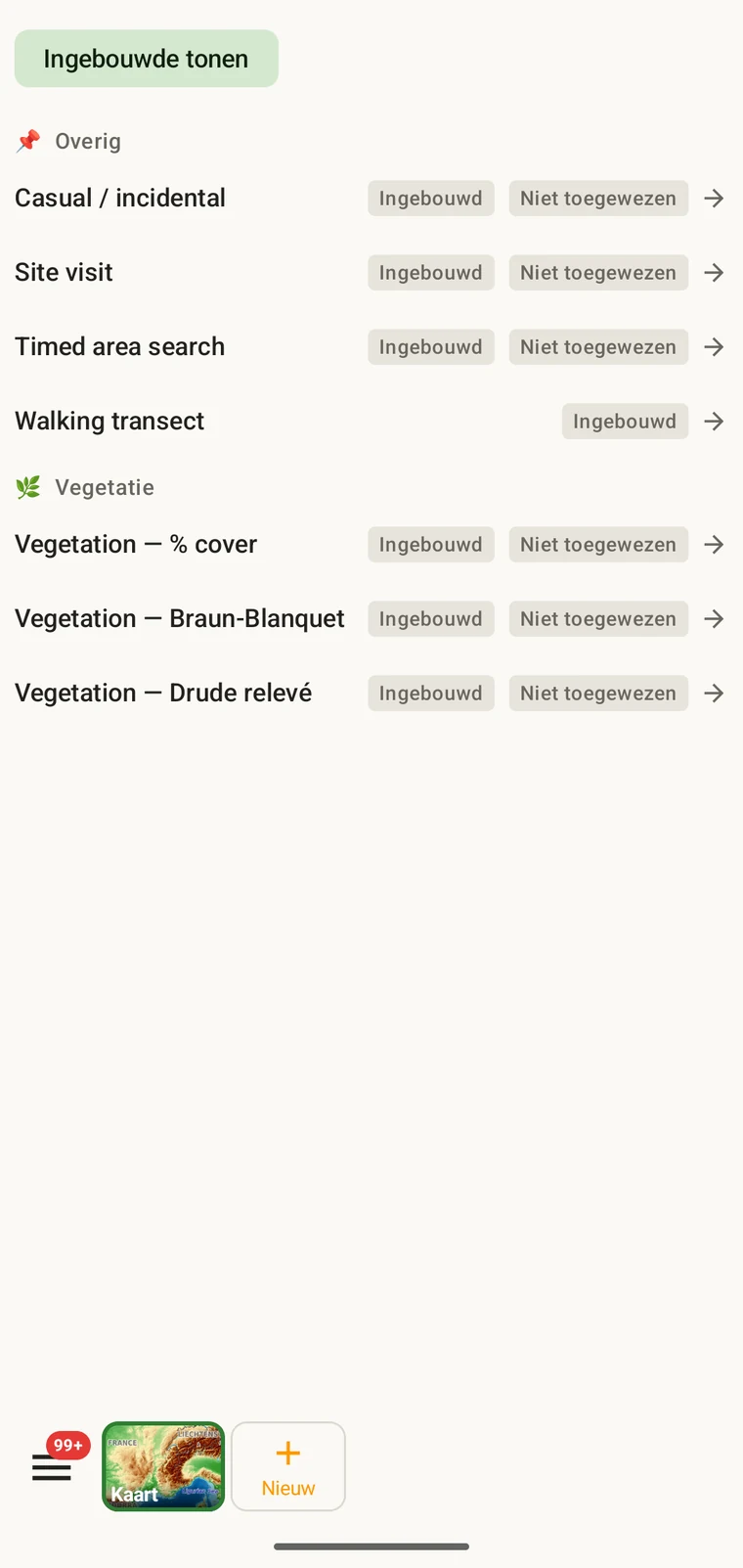
The list on the device is the best place to read each protocol: it shows the full description, the fields it includes and their settings. Open Menu → Protocols and tap a protocol to open it; the Information tab shows its description and settings, the Form builder and Custom fields tabs show its fields.
Het protocol voor een project kiezen
One project records under one protocol. Your first project starts with Casual / incidental; later projects start with no protocol and use core fields only. Assign the protocol when you know your method, before records are entered.
- Open Menu → Projects and tap the project.
- In the Survey protocol section tap Assign a protocol (or Change if one is assigned).
- Choose the protocol in the Choose a survey protocol list and tap Done. Assigning copies the protocol's full template — forms and custom fields — into the project.
- The observation form reflects the new protocol from the next record onward. Remove keeps your data and the core fields.
Eén protocol per project. Een project wordt gedefinieerd door één protocol, omdat twee verschillende veldstructuren in één dataset mengen de analyse bemoeilijkt. Vereist uw werk echt twee verschillende methoden, zet dan twee projecten op en exporteer ze samen.
Een protocol bewerken
The seven built-in protocols are read-only. To adapt one, open it in Menu → Protocols and tap Clone; the copy is a custom protocol you can rename and edit. The practical case is a method close to a standard one that adds two or three measurements: clone, rename, add the fields. That way you keep the structure you know and only change what is different about your method.
Editing a protocol does not alter records already entered. Those records retain the field values they were given at the time. Projects that already use the protocol keep their copy until you tap Push to assigned projects in the Protocols Studio; from then on new records in those projects use the updated definition. To change the layout for one project only, use Customize on the project form instead.
Naming your edited protocol. Give it a name that distinguishes it from the original so that anyone reading the exported data can identify which definition was in use. The protocol code travels with every export.
Zelf een protocol schrijven
The Protocols Studio (Menu → Protocols) is where custom protocols are created — tap New protocol and choose From scratch or Clone existing. A protocol has a name, code, description, group, required fields, effort thresholds and vocabulary sets, plus its own forms and custom fields on the Form builder and Custom fields tabs. The field-level work — captions, data types and whether a field appears in list views — is covered in Forms and custom fields.
Houd protocollen zo eenvoudig als de methode toelaat. Een protocol met veel vereiste velden vertraagt het registreren in het veld; een protocol zonder vereiste velden levert een dataset op die op manieren onvolledig kan zijn die pas later aan het licht komen.
Validatie
Required fields are enforced when the record is entered, not discovered at export. Fields the protocol marks required are enforced when the record is saved: the form lists the missing ones and does not save until they are filled.
Een ontbrekende waarde kunt u aanvullen zolang u nog op de plek bent. Zodra de export maanden later wordt gemaakt, kan dat niet meer. Validatie kost een paar seconden per record en voorkomt gaten die achteraf niet meer te vullen zijn.
Velden die niet als vereist zijn gemarkeerd, mogen leeg blijven. Ze verschijnen in exports als lege cellen in plaats van een fout te veroorzaken.
Een protocol halverwege het seizoen wijzigen
U kunt het protocol dat aan een project is toegewezen tijdens een seizoen wijzigen. Bestaande records behouden de waarden waarmee ze zijn ingevoerd; ze worden niet opnieuw tegen het nieuwe protocol gevalideerd. Alleen nieuwe records, ingevoerd na de wijziging, vallen onder de veldenset en de regels voor vereiste velden van het nieuwe protocol.
Bevat het nieuwe protocol velden die het oude niet had, dan blijven die velden bij bestaande records leeg in exports. Laat het nieuwe protocol velden weg die het oude wel had, dan blijven die veldwaarden in de database behouden maar verschijnen ze niet in het formulier voor nieuwe records.
Leg de wijziging vast. Noteer de datum waarop het protocol is gewijzigd, hetzij in de projectbeschrijving hetzij in een apart bestand met veldnotities. Analyses die records van vóór en na de wijziging samenvoegen, moeten rekening houden met de verschillende veldstructuren.
Een protocol delen
Protocol and form configuration travel together in the project setup file. Open the project, tap Share, and send the .ecsurvey file to each device; importing it (Menu → Projects → Import) gives that device the same protocol, forms and custom fields. Every recorder on the study then sees an identical form and records under the same required-field rules. Exporting the project to Google Drive also publishes the setup, which other devices receive with Download from Drive + merge…. See Forms and custom fields and Google Drive collaboration.