
The app
Languages
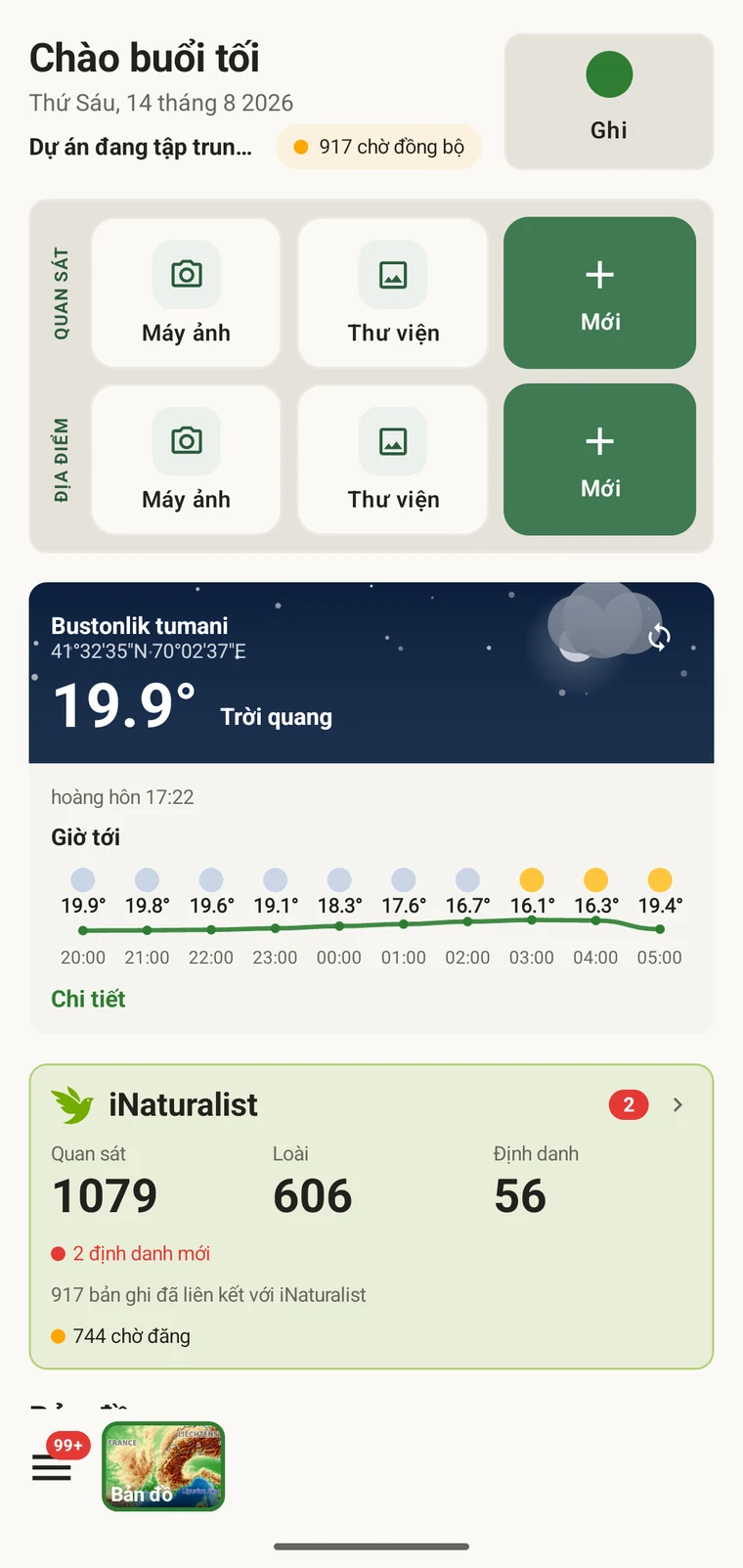
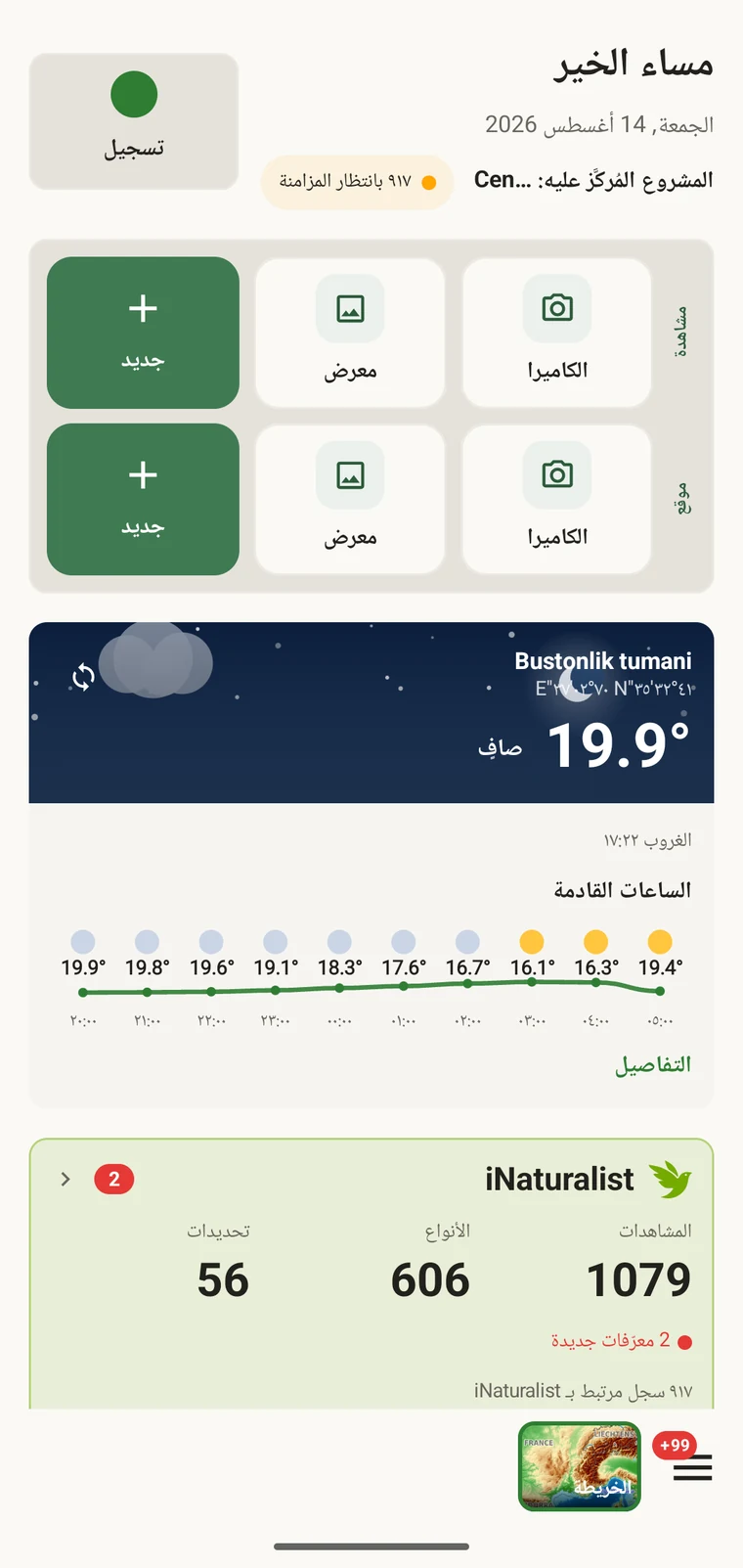
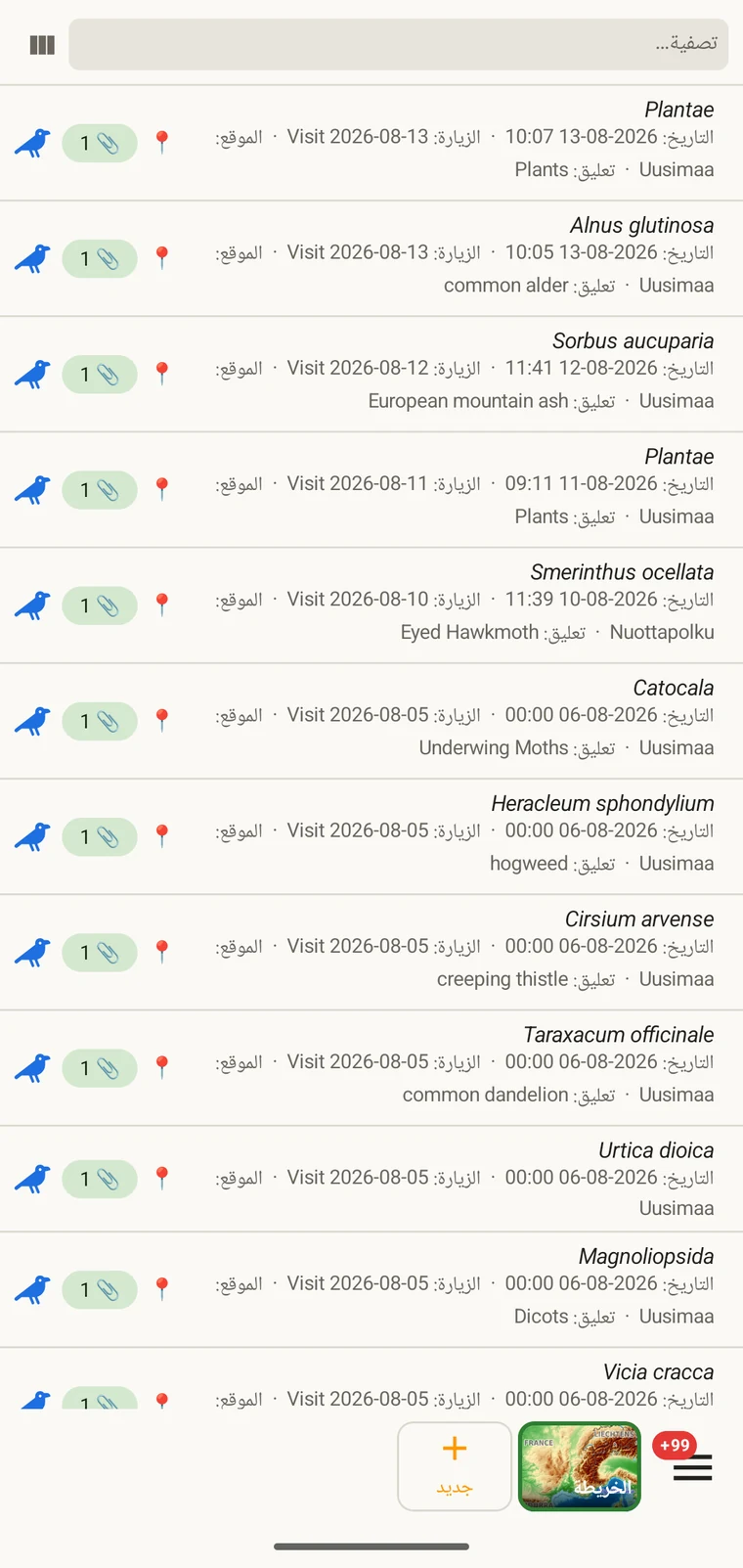
The interface is translated into 19 locales. Translation covers the whole app, not only the navigation: field labels, protocol names, map tools, the export screens, settings and error messages are all localised, and Arabic mirrors the entire layout right to left.
Switching language
Language is an in-app setting rather than a device setting. Field teams frequently share a device, or work on a handset configured in a language nobody on the team reads, so the app does not depend on system settings you may not be able to change.
- Open Settings from the navigation drawer.
- Choose Language.
- Pick a locale from the list. Each is shown in its own language.
- The app restarts into the language you chose.
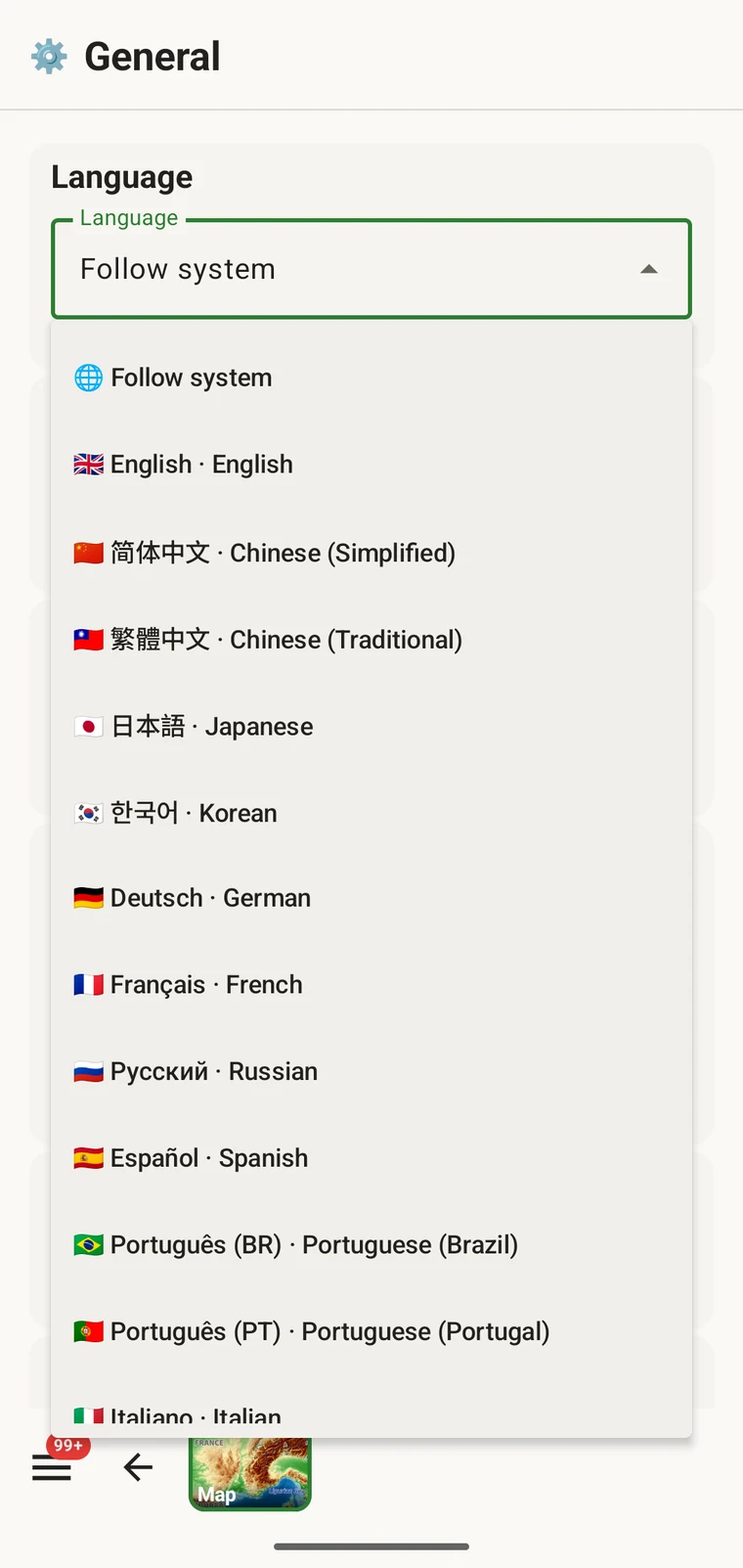
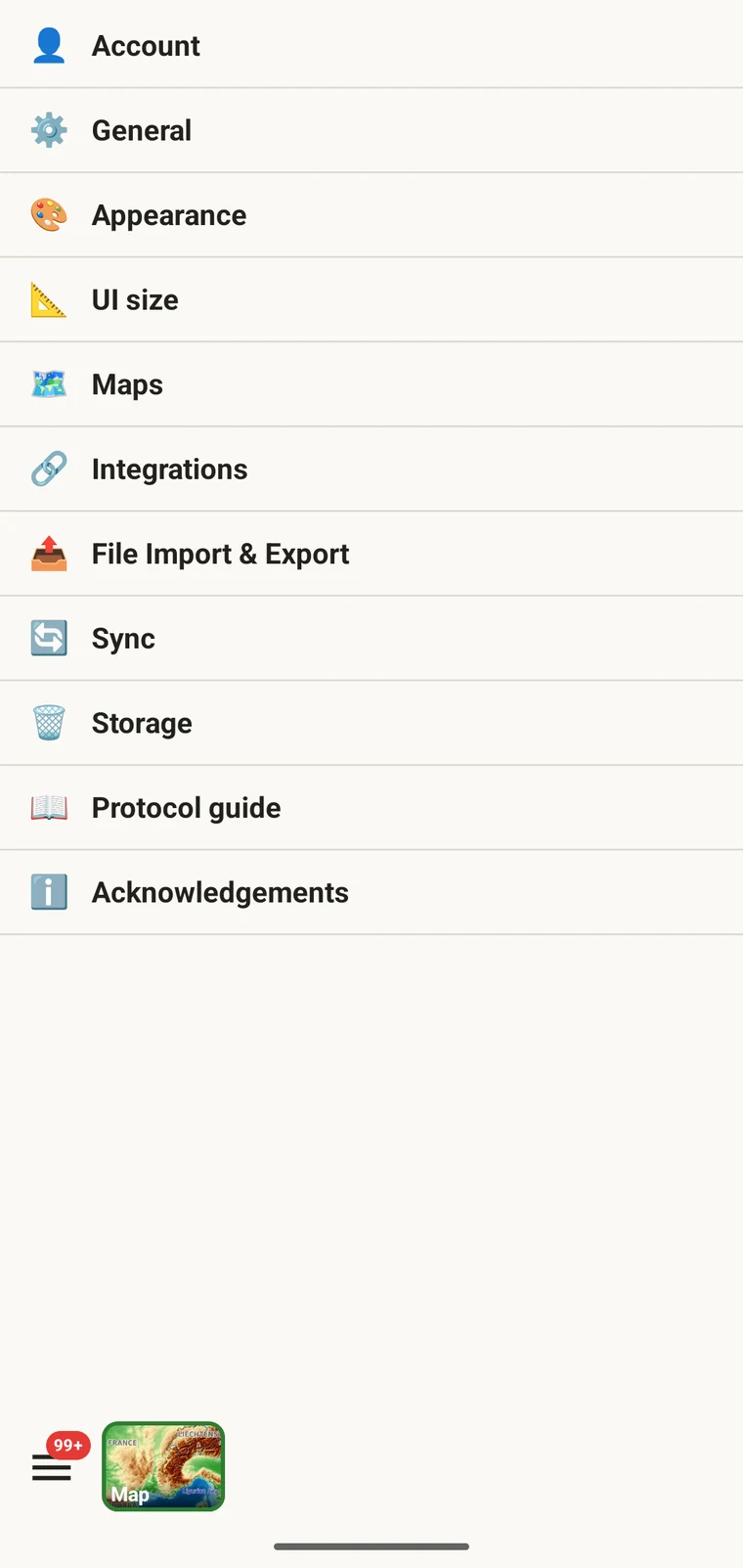
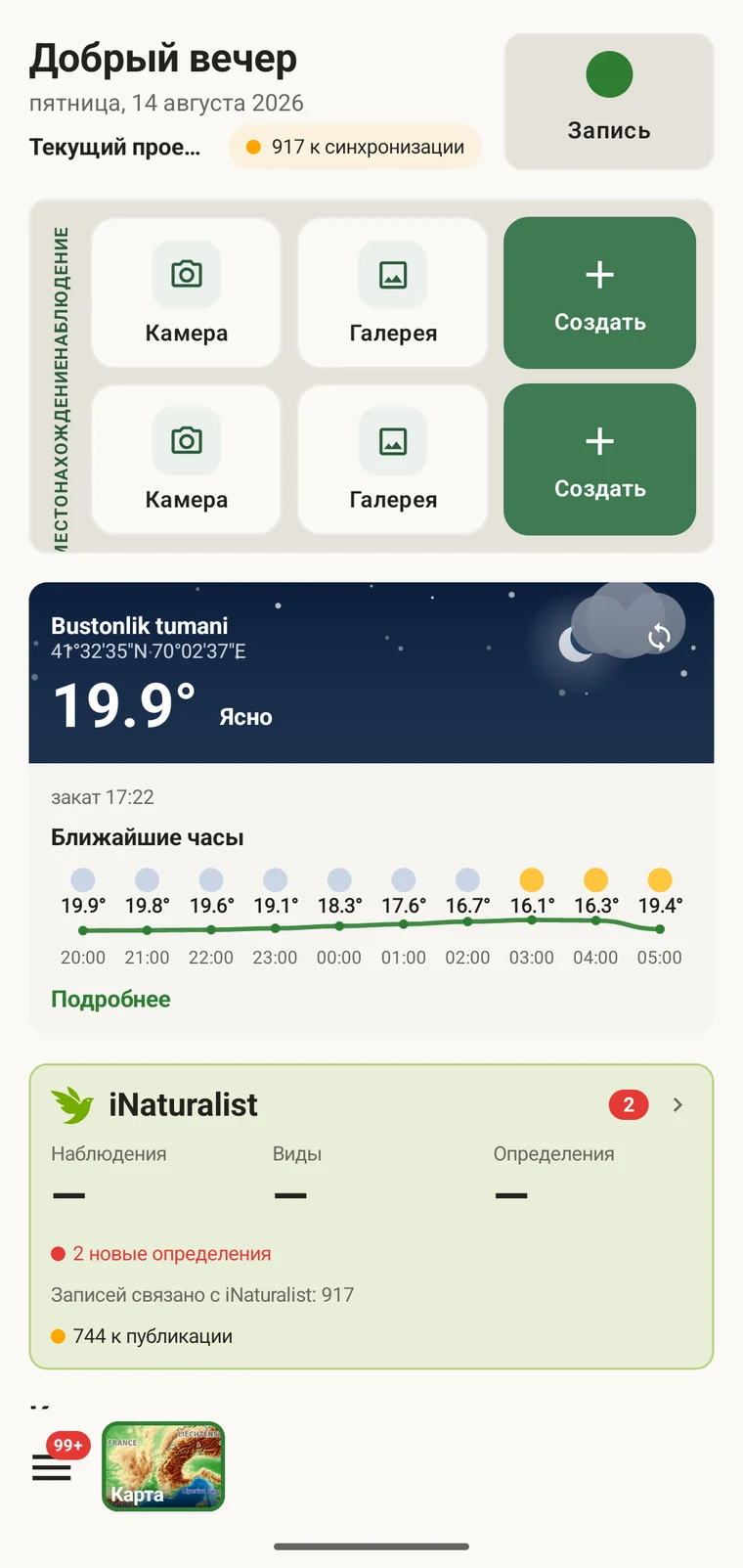
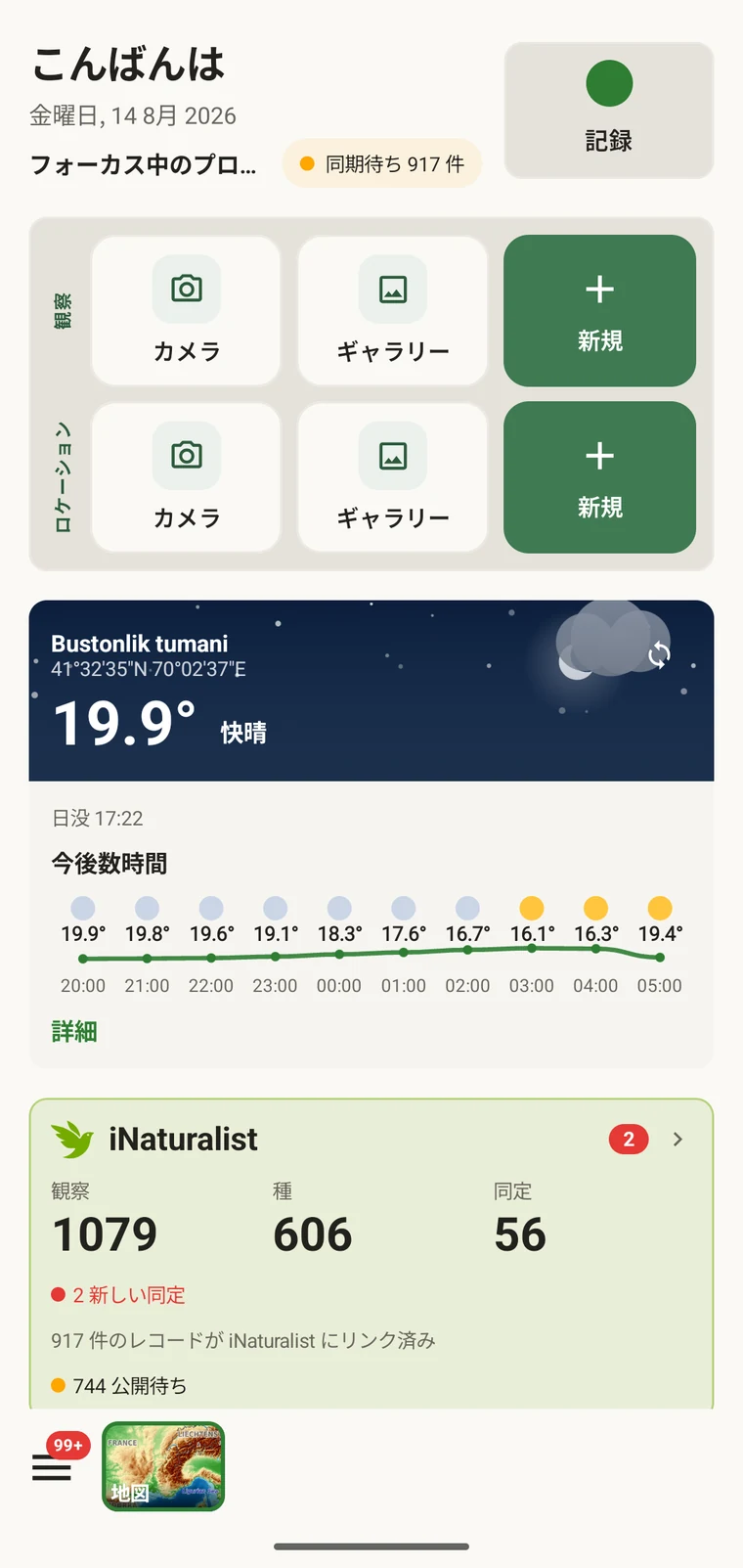
Because the setting belongs to the app, the interface language can differ from the device language for as long as you want it to. Changing it back is the same four steps.
The nineteen locales
Nineteen locales ship with the app: English plus eighteen translations.
| Language | Tag | Notes |
|---|---|---|
| English | en | The language the interface is written in; the other eighteen are translated from it |
| العربية | ar | Right-to-left. The whole layout mirrors, not only the text |
| Deutsch | de | — |
| Español | es | — |
| Français | fr | — |
| Bahasa Indonesia | id | — |
| Italiano | it | — |
| 日本語 | ja | — |
| 한국어 | ko | — |
| Nederlands | nl | — |
| Polski | pl | — |
| Português | pt | European Portuguese |
| Português (Brasil) | pt-BR | Brazilian Portuguese, maintained separately from pt |
| Русский | ru | — |
| Türkçe | tr | — |
| Українська | uk | — |
| Tiếng Việt | vi | — |
| 简体中文 | zh-CN | Simplified characters |
| 繁體中文 | zh-TW | Traditional characters |
What is translated
The localised strings include the field labels on every entry form, the names of the built-in protocols, the map toolbar and the tools behind it, the export screens and format names, the whole of Settings, and the error and confirmation messages. Navigation is translated as well.
Right-to-left
Selecting Arabic mirrors the layout as well as translating the text: the navigation drawer opens from the right, list rows read right to left with their icons and counts on the opposite side, form fields and their labels swap sides, and controls such as back arrows and sliders reverse direction to match.
What stays in the language you typed it in
Everything above concerns text that ships with the app. Text you create yourself is stored exactly as you entered it and is never translated. That covers:
- Custom field captions you define in the form designer (see Forms and custom fields).
- Project and protocol names you create, including protocols you write in the protocol studio.
- Locality names, visit names and any other free text you type.
- Your notes and remarks on individual records.
Scientific names are not translated. A binomial is the same in every locale.
Agree the caption language before anybody records. If your team works in more than one language, decide up front which language custom field captions are written in. The reason is practical rather than stylistic: each custom field also has a Key, and that Key becomes the column name in every file you produce (see Export formats). Renaming captions after a season of recording leaves you reconciling columns across files that were exported under the old names.
Vernacular names
Vernacular names shown alongside taxa come from the taxonomic sources the app draws on, not from EarthCape's own translations. Their availability therefore varies by language and by taxonomic group: well-recorded groups in widely spoken languages tend to be covered, others less so, and some combinations have no vernacular name at all. Where none is available the scientific name is shown on its own. Treat vernacular names as a convenience for recognition rather than as a complete parallel nomenclature.
Numbers, dates and coordinates
In the interface, dates and numbers are presented using the conventions of the locale you have selected, so a date reads the way you expect it to read. Exported files are a separate matter: each format writes dates, numbers and coordinates in the form its own standard requires, independently of your interface language. A Darwin Core Archive produced on a device set to Japanese is identical to one produced on a device set to Portuguese. The interface language therefore affects what you read on screen, not how another system parses an export. The formats themselves are listed in Export formats.