
Запис
Протоколи обліку
Протокол визначає, що має містити запис: які поля з'являються у формі спостереження, які з них обов'язкові, одиниці вимірювання та списки значень і що вважається повним спостереженням. Кожен запис у проєкті створюється за одним протоколом, який також визначає форму, показану тому, хто веде запис.
Чим керує протокол
Протокол визначає структуру, яку дає запис. Зміна протоколу змінює разом із ним і форму — саме тому сторінка Форми та власні поля й ця сторінка охоплюють суміжні теми. Сторінка про форми описує компонування та керування на рівні полів; ця сторінка описує протокол, який передусім визначає, які поля взагалі існують.
| Що визначає протокол | Вплив на запис |
|---|---|
| Показані поля | Набір полів даних, що з'являються у формі спостереження. Поля, не включені до протоколу, не показуються, і їх неможливо заповнити. |
| Обов'язкові поля | Які поля слід заповнити, перш ніж запис можна буде зберегти. Перевірка виконується під час введення, а не під час експорту. |
| Одиниці та списки значень | Одиниці, прив'язані до числових полів (метри, градуси, кількості), і фіксовані варіанти в полях вибору. Вони задані для кожного протоколу, тож усі записи в проєкті використовують однаковий словник. |
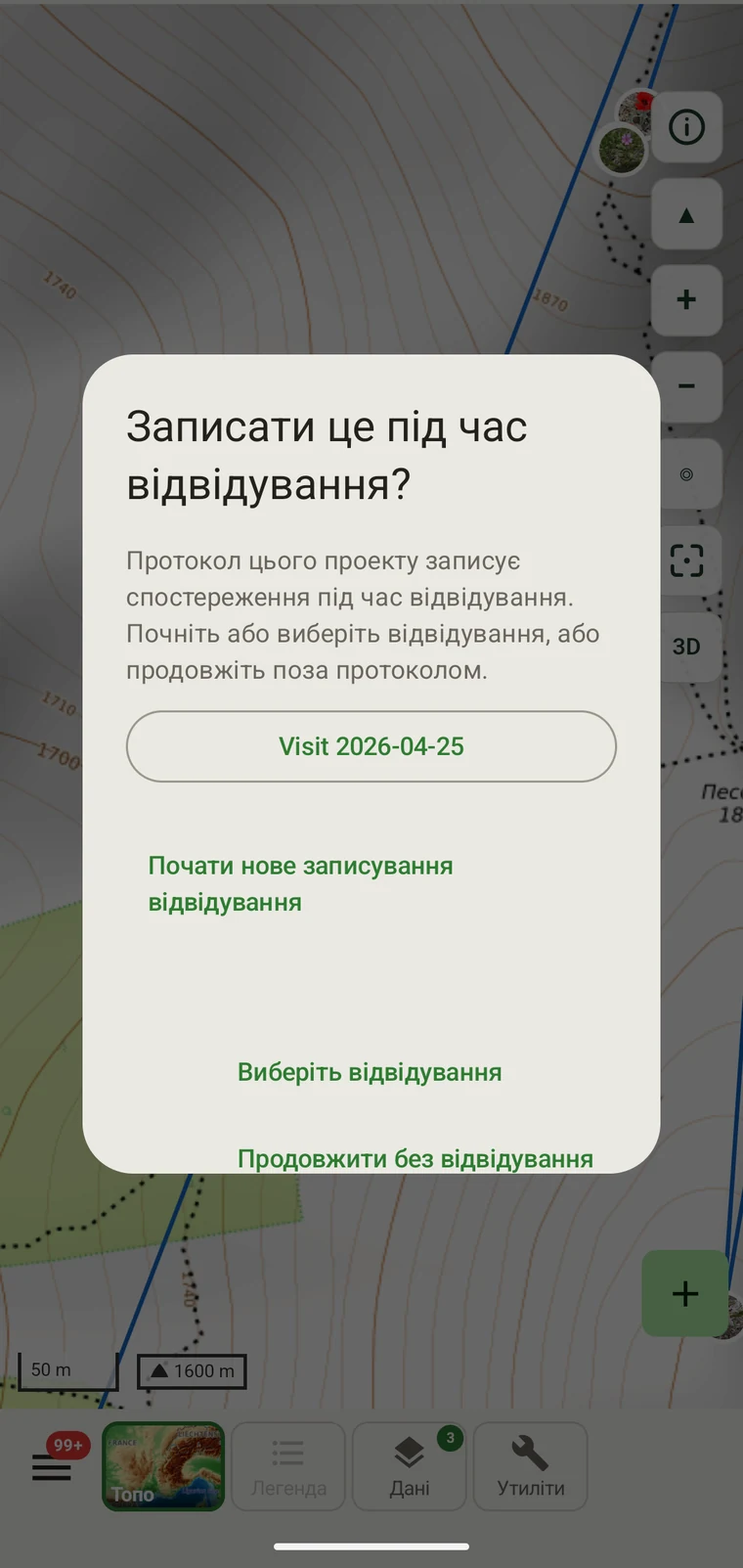
| Групування записів | How observations are grouped: into survey visits, or left ungrouped as incidental records. The grouping structure determines what the visit prompt shows when you start recording. |
Протоколи в комплекті
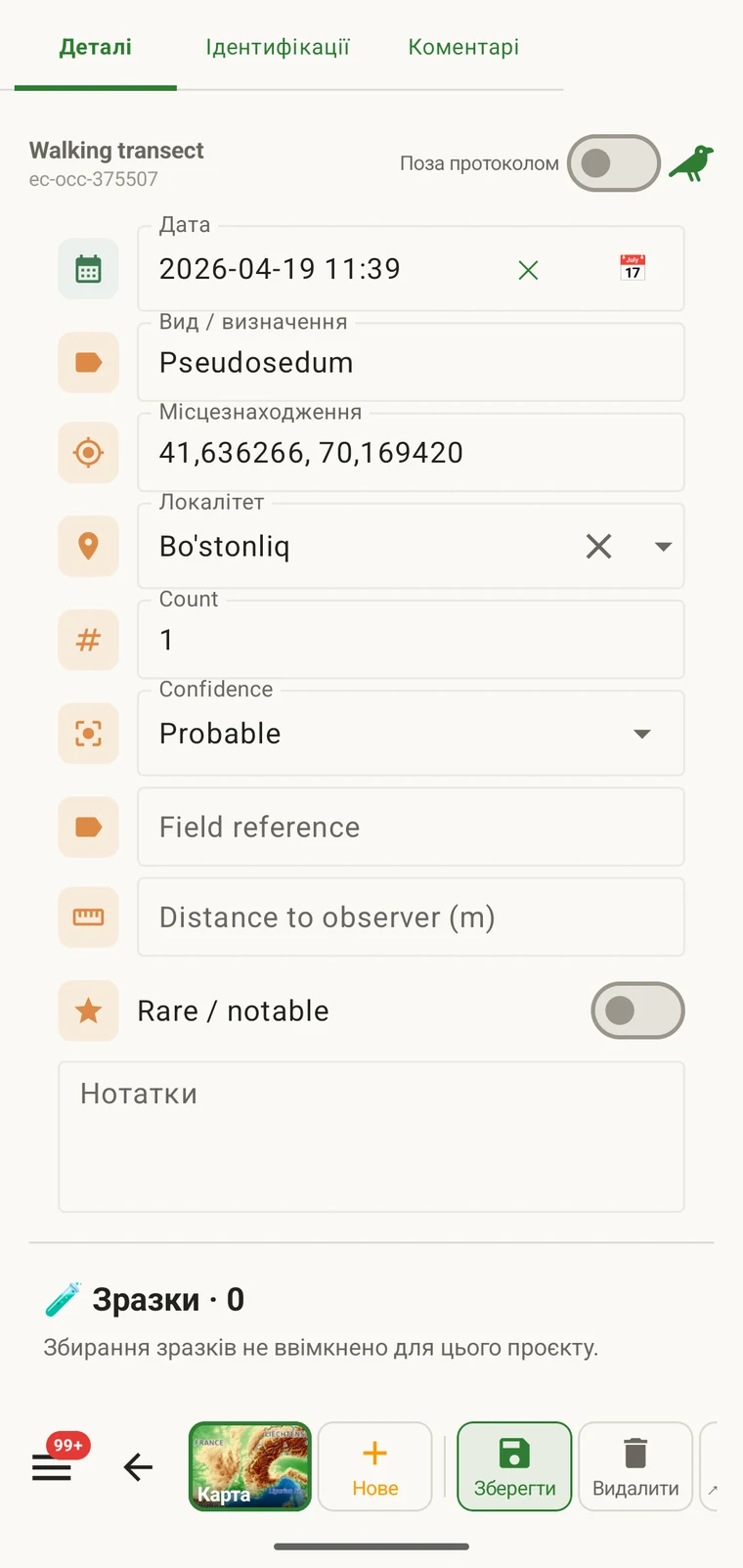
Seven survey protocols ship with the app: Casual / incidental, Site visit, Timed area search and Walking transect under "Other", and Vegetation — Braun-Blanquet, Vegetation — % cover and Vegetation — Drude relevé under "Vegetation". The project created on first run uses Casual / incidental. A project you create later has no protocol until you assign one; until then new records use the casual protocol's core fields.
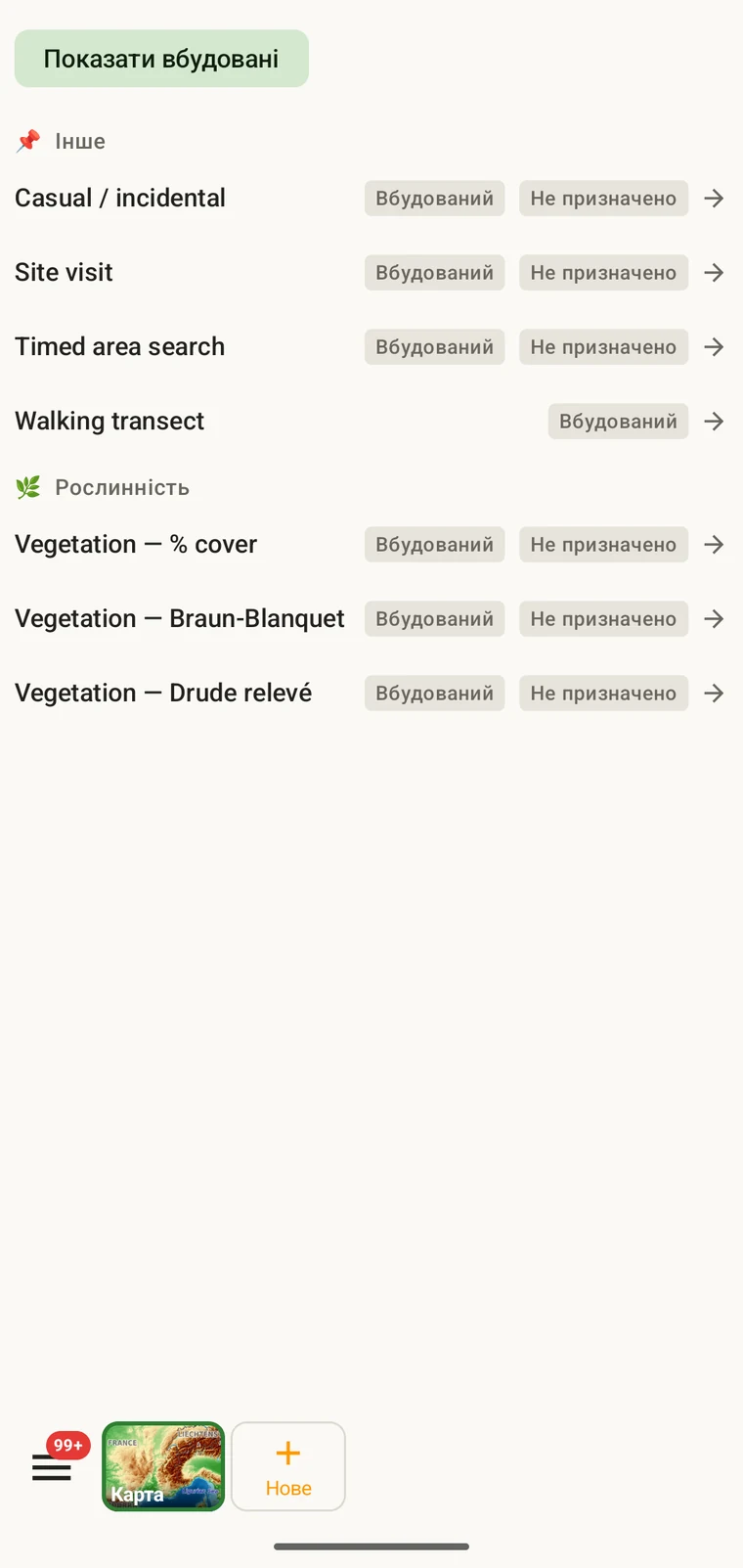
The list on the device is the best place to read each protocol: it shows the full description, the fields it includes and their settings. Open Menu → Protocols and tap a protocol to open it; the Information tab shows its description and settings, the Form builder and Custom fields tabs show its fields.
Вибір протоколу для проєкту
One project records under one protocol. Your first project starts with Casual / incidental; later projects start with no protocol and use core fields only. Assign the protocol when you know your method, before records are entered.
- Open Menu → Projects and tap the project.
- In the Survey protocol section tap Assign a protocol (or Change if one is assigned).
- Choose the protocol in the Choose a survey protocol list and tap Done. Assigning copies the protocol's full template — forms and custom fields — into the project.
- The observation form reflects the new protocol from the next record onward. Remove keeps your data and the core fields.
Один протокол на проєкт. Проєкт визначається одним протоколом, бо змішування двох різних структур полів в одному наборі даних ускладнює аналіз. Якщо ваша робота справді потребує двох різних методів, створіть два проєкти й експортуйте їх разом.
Редагування протоколу
The seven built-in protocols are read-only. To adapt one, open it in Menu → Protocols and tap Clone; the copy is a custom protocol you can rename and edit. The practical case is a method close to a standard one that adds two or three measurements: clone, rename, add the fields. That way you keep the structure you know and only change what is different about your method.
Editing a protocol does not alter records already entered. Those records retain the field values they were given at the time. Projects that already use the protocol keep their copy until you tap Push to assigned projects in the Protocols Studio; from then on new records in those projects use the updated definition. To change the layout for one project only, use Customize on the project form instead.
Naming your edited protocol. Give it a name that distinguishes it from the original so that anyone reading the exported data can identify which definition was in use. The protocol code travels with every export.
Написання власного
The Protocols Studio (Menu → Protocols) is where custom protocols are created — tap New protocol and choose From scratch or Clone existing. A protocol has a name, code, description, group, required fields, effort thresholds and vocabulary sets, plus its own forms and custom fields on the Form builder and Custom fields tabs. The field-level work — captions, data types and whether a field appears in list views — is covered in Forms and custom fields.
Тримайте протоколи настільки простими, наскільки цього вимагає метод. Протокол із багатьма обов'язковими полями сповільнює запис у полі; протокол без обов'язкових полів дає набір даних, неповноту якого можна виявити лише згодом.
Перевірка
Required fields are enforced when the record is entered, not discovered at export. Fields the protocol marks required are enforced when the record is saved: the form lists the missing ones and does not save until they are filled.
Пропущене значення можна внести, поки ви ще на ділянці. Коли експорт формується через місяці, це вже неможливо. Перевірка коштує кількох секунд на запис і запобігає прогалинам, які потім не заповнити.
Поля, не позначені як обов'язкові, можна залишити порожніми. В експортах вони з'являться як порожні комірки, а не спричинять помилку.
Зміна протоколу посеред сезону
Протокол, призначений проєкту, можна змінити протягом сезону. Наявні записи зберігають значення, з якими їх було введено; вони не перевіряються повторно за новим протоколом. Лише нові записи, введені після зміни, підпорядковуються набору полів і правилам обов'язкових полів нового протоколу.
Якщо новий протокол містить поля, яких не було в старому, у наявних записів ці поля будуть порожніми в експортах. Якщо новий протокол не містить полів, які були в старому, значення цих полів зберігаються в базі даних, але не з'являються у формі для нових записів.
Задокументуйте зміну. Занотуйте дату, коли протокол змінився, — в описі проєкту або в окремому файлі польових нотаток. Аналіз, який об'єднує записи до і після зміни, має враховувати різні структури полів.
Спільне використання протоколу
Protocol and form configuration travel together in the project setup file. Open the project, tap Share, and send the .ecsurvey file to each device; importing it (Menu → Projects → Import) gives that device the same protocol, forms and custom fields. Every recorder on the study then sees an identical form and records under the same required-field rules. Exporting the project to Google Drive also publishes the setup, which other devices receive with Download from Drive + merge…. See Forms and custom fields and Google Drive collaboration.