
Ghi chép
Giao thức khảo sát
Một giao thức xác định bản ghi phải chứa những gì: những trường nào xuất hiện trên biểu mẫu quan sát, trường nào trong số đó là bắt buộc, các đơn vị và danh sách giá trị, và thế nào là một quan sát đầy đủ. Mọi bản ghi trong một dự án đều được tạo theo một giao thức, và giao thức đó cũng quyết định biểu mẫu hiển thị cho người ghi chép.
Giao thức kiểm soát những gì
Giao thức xác định cấu trúc mà việc ghi chép tạo ra. Thay đổi giao thức là thay đổi cả biểu mẫu đi kèm, vì thế Biểu mẫu và trường tùy chỉnh và trang này bao phủ những nội dung liên quan nhau. Trang biểu mẫu nói về bố cục và các điều khiển ở cấp trường; trang này nói về giao thức quyết định những trường nào tồn tại ngay từ đầu.
| Giao thức định nghĩa những gì | Ảnh hưởng đến việc ghi chép |
|---|---|
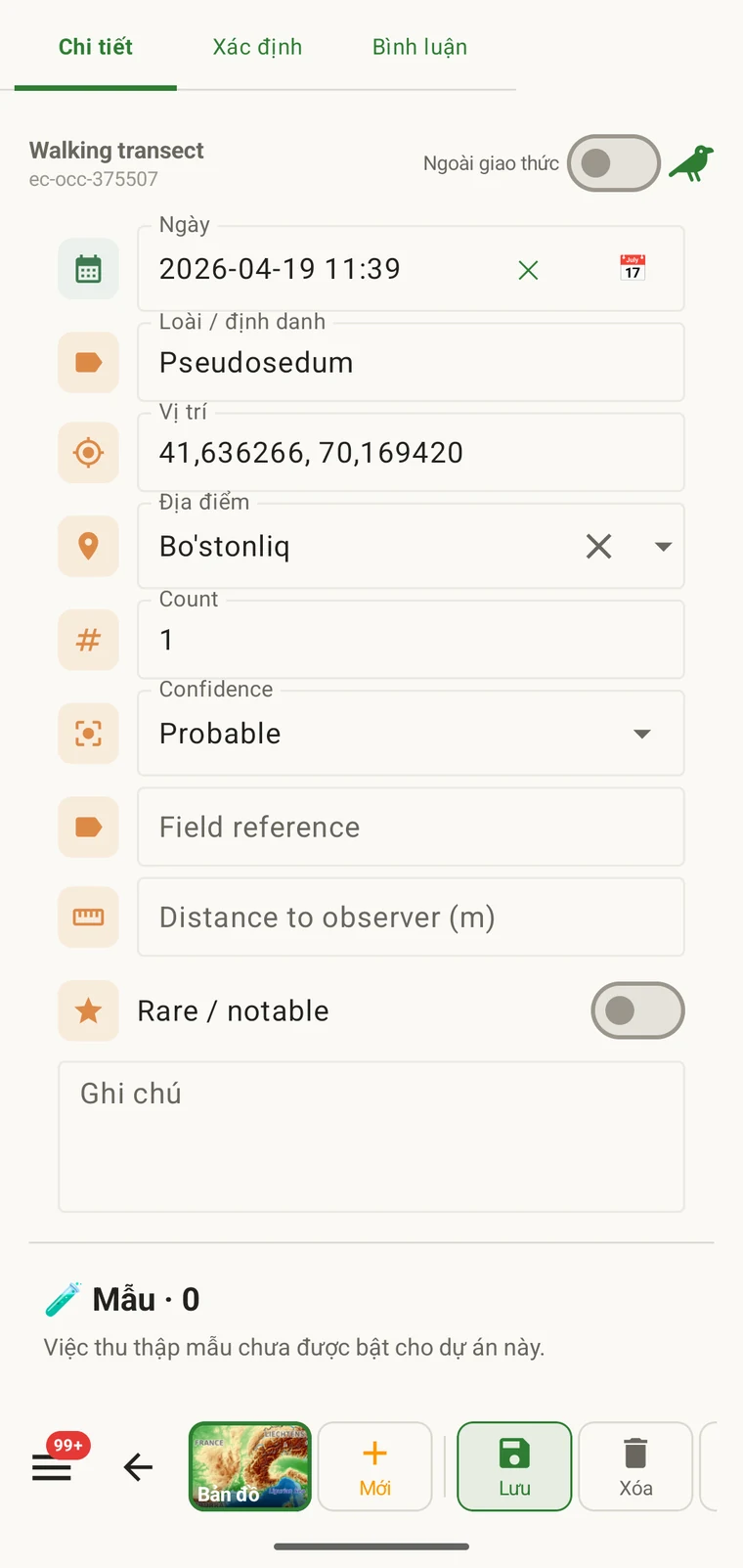
| Các trường được trình bày | Tập hợp các trường dữ liệu xuất hiện trên biểu mẫu quan sát. Những trường không có trong giao thức sẽ không xuất hiện và không thể điền được. |
| Các trường bắt buộc | Những trường nào phải được điền trước khi bản ghi có thể được lưu. Việc kiểm tra hợp lệ chạy tại thời điểm nhập, không phải khi xuất. |
| Đơn vị và danh sách giá trị | Đơn vị gắn với các trường số (mét, độ, số đếm) và các tùy chọn cố định hiển thị trong các trường lựa chọn. Chúng được cố định theo từng giao thức, nên mọi bản ghi trong một dự án đều dùng cùng một bộ từ vựng. |
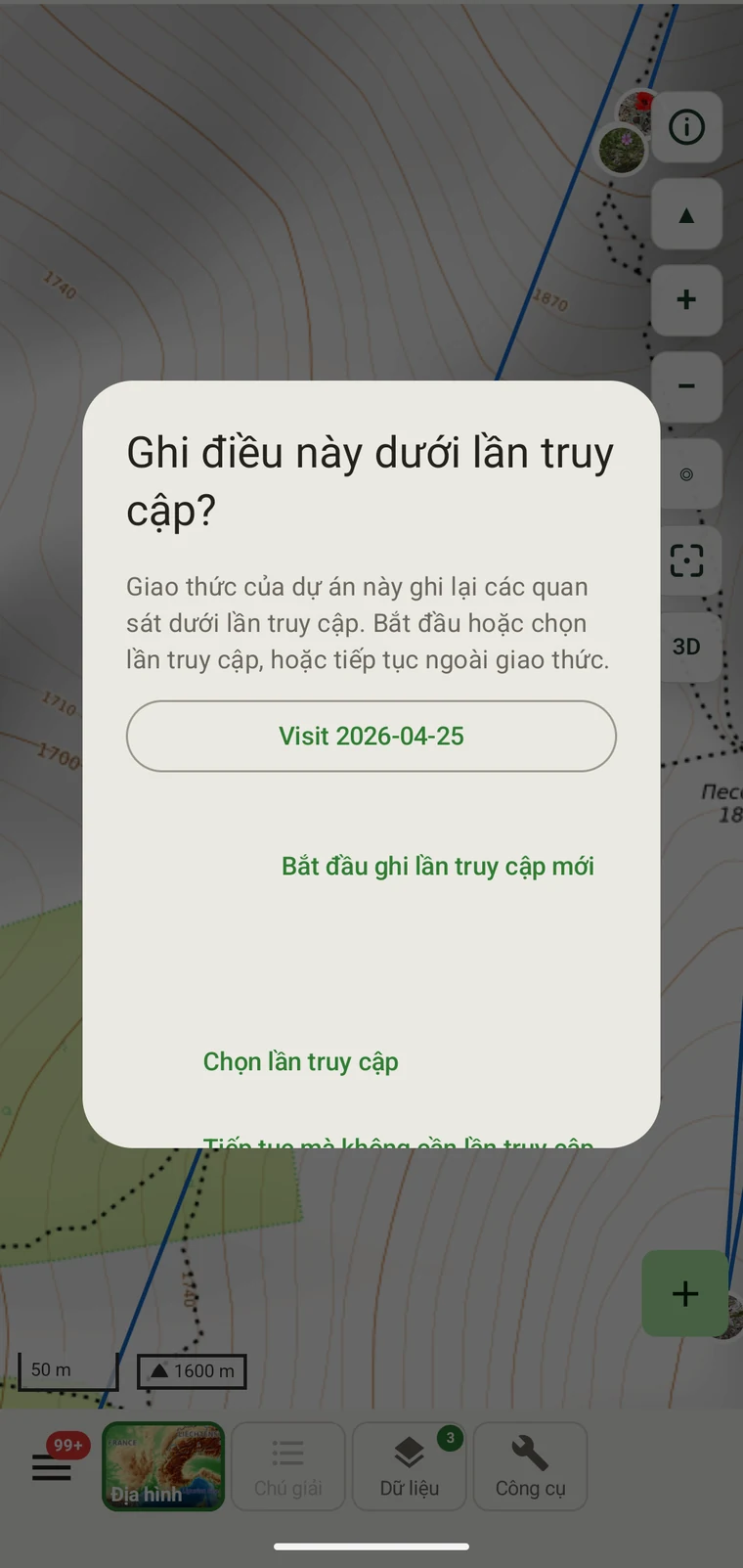
| Nhóm bản ghi | How observations are grouped: into survey visits, or left ungrouped as incidental records. The grouping structure determines what the visit prompt shows when you start recording. |
Các giao thức có sẵn
Seven survey protocols ship with the app: Casual / incidental, Site visit, Timed area search and Walking transect under "Other", and Vegetation — Braun-Blanquet, Vegetation — % cover and Vegetation — Drude relevé under "Vegetation". The project created on first run uses Casual / incidental. A project you create later has no protocol until you assign one; until then new records use the casual protocol's core fields.
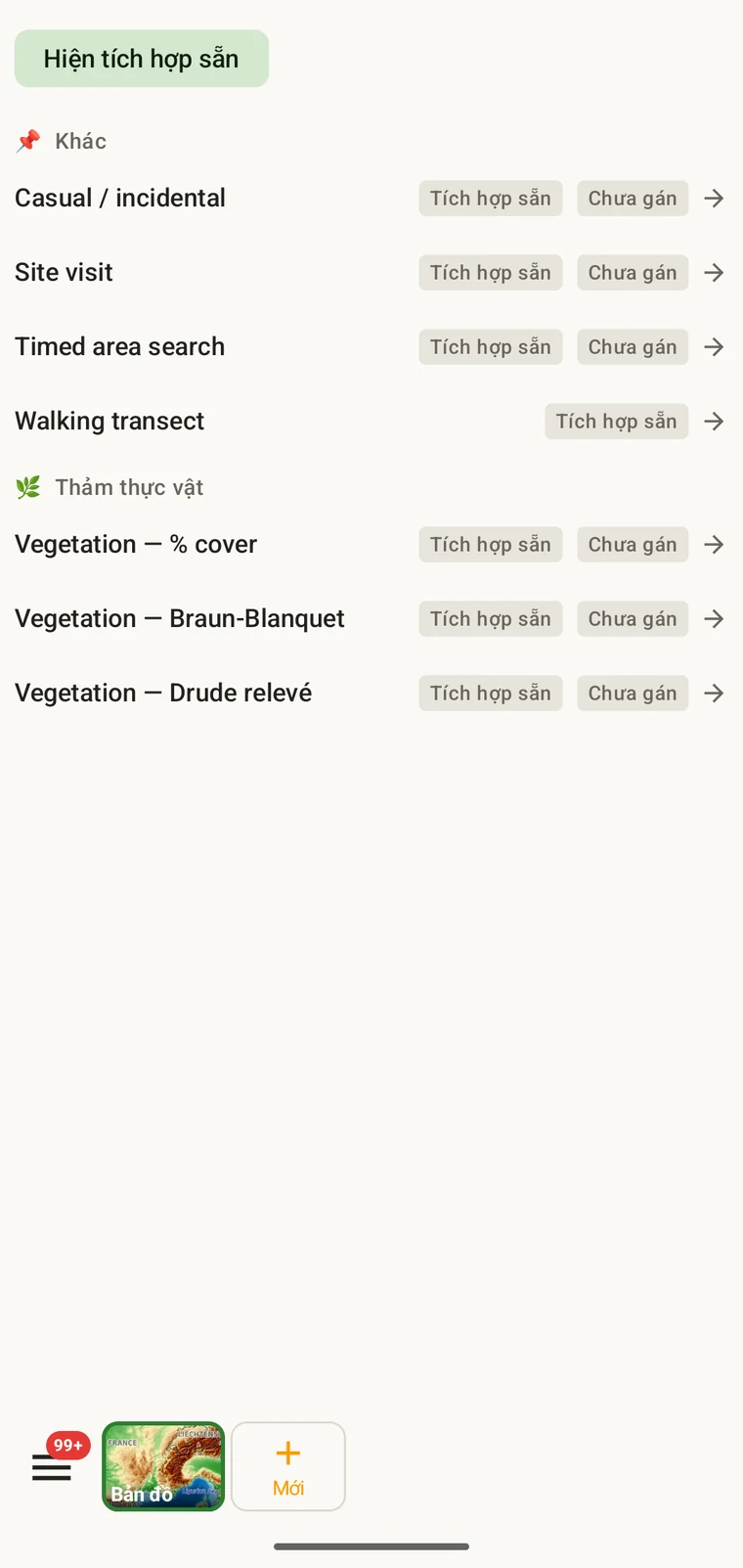
The list on the device is the best place to read each protocol: it shows the full description, the fields it includes and their settings. Open Menu → Protocols and tap a protocol to open it; the Information tab shows its description and settings, the Form builder and Custom fields tabs show its fields.
Chọn giao thức cho một dự án
One project records under one protocol. Your first project starts with Casual / incidental; later projects start with no protocol and use core fields only. Assign the protocol when you know your method, before records are entered.
- Open Menu → Projects and tap the project.
- In the Survey protocol section tap Assign a protocol (or Change if one is assigned).
- Choose the protocol in the Choose a survey protocol list and tap Done. Assigning copies the protocol's full template — forms and custom fields — into the project.
- The observation form reflects the new protocol from the next record onward. Remove keeps your data and the core fields.
Một giao thức cho mỗi dự án. Một dự án được xác định bởi một giao thức duy nhất, vì việc trộn hai cấu trúc trường khác nhau trong một bộ dữ liệu khiến việc phân tích trở nên khó khăn. Nếu công việc thực sự đòi hỏi hai phương pháp riêng biệt, hãy lập hai dự án và xuất chúng cùng nhau.
Chỉnh sửa một giao thức
The seven built-in protocols are read-only. To adapt one, open it in Menu → Protocols and tap Clone; the copy is a custom protocol you can rename and edit. The practical case is a method close to a standard one that adds two or three measurements: clone, rename, add the fields. That way you keep the structure you know and only change what is different about your method.
Editing a protocol does not alter records already entered. Those records retain the field values they were given at the time. Projects that already use the protocol keep their copy until you tap Push to assigned projects in the Protocols Studio; from then on new records in those projects use the updated definition. To change the layout for one project only, use Customize on the project form instead.
Naming your edited protocol. Give it a name that distinguishes it from the original so that anyone reading the exported data can identify which definition was in use. The protocol code travels with every export.
Tự viết giao thức
The Protocols Studio (Menu → Protocols) is where custom protocols are created — tap New protocol and choose From scratch or Clone existing. A protocol has a name, code, description, group, required fields, effort thresholds and vocabulary sets, plus its own forms and custom fields on the Form builder and Custom fields tabs. The field-level work — captions, data types and whether a field appears in list views — is covered in Forms and custom fields.
Hãy giữ giao thức đơn giản đúng mức phương pháp đòi hỏi. Một giao thức có nhiều trường bắt buộc làm chậm việc ghi chép ngoài thực địa; một giao thức không có trường bắt buộc nào tạo ra bộ dữ liệu có thể không đầy đủ theo những cách chỉ được phát hiện về sau.
Kiểm tra hợp lệ
Required fields are enforced when the record is entered, not discovered at export. Fields the protocol marks required are enforced when the record is saved: the form lists the missing ones and does not save until they are filled.
Một giá trị còn thiếu có thể được bổ sung khi bạn vẫn còn ở hiện trường. Khi bản xuất được tạo ra vài tháng sau thì không thể nữa. Việc kiểm tra hợp lệ tốn vài giây cho mỗi bản ghi và ngăn được những khoảng trống không thể lấp về sau.
Những trường không được đánh dấu bắt buộc có thể để trống. Chúng sẽ xuất hiện trong các bản xuất dưới dạng ô trống thay vì gây ra lỗi.
Thay đổi giao thức giữa mùa khảo sát
Có thể thay đổi giao thức gán cho một dự án trong mùa khảo sát. Các bản ghi hiện có giữ nguyên những giá trị đã được nhập; chúng không được kiểm tra hợp lệ lại theo giao thức mới. Chỉ những bản ghi mới, nhập sau khi thay đổi, mới chịu sự chi phối của tập trường và quy tắc trường bắt buộc của giao thức mới.
Nếu giao thức mới có những trường mà giao thức cũ không có, các bản ghi hiện có sẽ để trống những trường đó trong bản xuất. Nếu giao thức mới bỏ đi những trường mà giao thức cũ có, các giá trị của những trường đó vẫn được giữ trong cơ sở dữ liệu nhưng sẽ không xuất hiện trên biểu mẫu của các bản ghi mới.
Ghi lại thay đổi. Hãy ghi lại ngày giao thức thay đổi, trong phần mô tả dự án hoặc trong một tệp ghi chú thực địa riêng. Phân tích gộp chung các bản ghi từ trước và sau thay đổi cần tính đến những cấu trúc trường khác nhau.
Chia sẻ một giao thức
Protocol and form configuration travel together in the project setup file. Open the project, tap Share, and send the .ecsurvey file to each device; importing it (Menu → Projects → Import) gives that device the same protocol, forms and custom fields. Every recorder on the study then sees an identical form and records under the same required-field rules. Exporting the project to Google Drive also publishes the setup, which other devices receive with Download from Drive + merge…. See Forms and custom fields and Google Drive collaboration.